

Screening clients efficiently without jeopardizing accuracy often gets lost between spreadsheets, generic CRM tools, and complex business suites not designed for field service trades. Too many client screening options force rigid intake processes, demand upfront payment before testing, or gate automation behind high per-user fees and paid add-ons. This comparison breaks down free trials, team features, and risk analysis tools across five client screening software platforms so you can pick one that matches your intake volume and tech skills.
Table of Contents
- SnapQualify
- EspoCRM
- Apptivo
- Odoo
- Comparative Analysis: Selecting the Right Client Screening Solution
SnapQualify
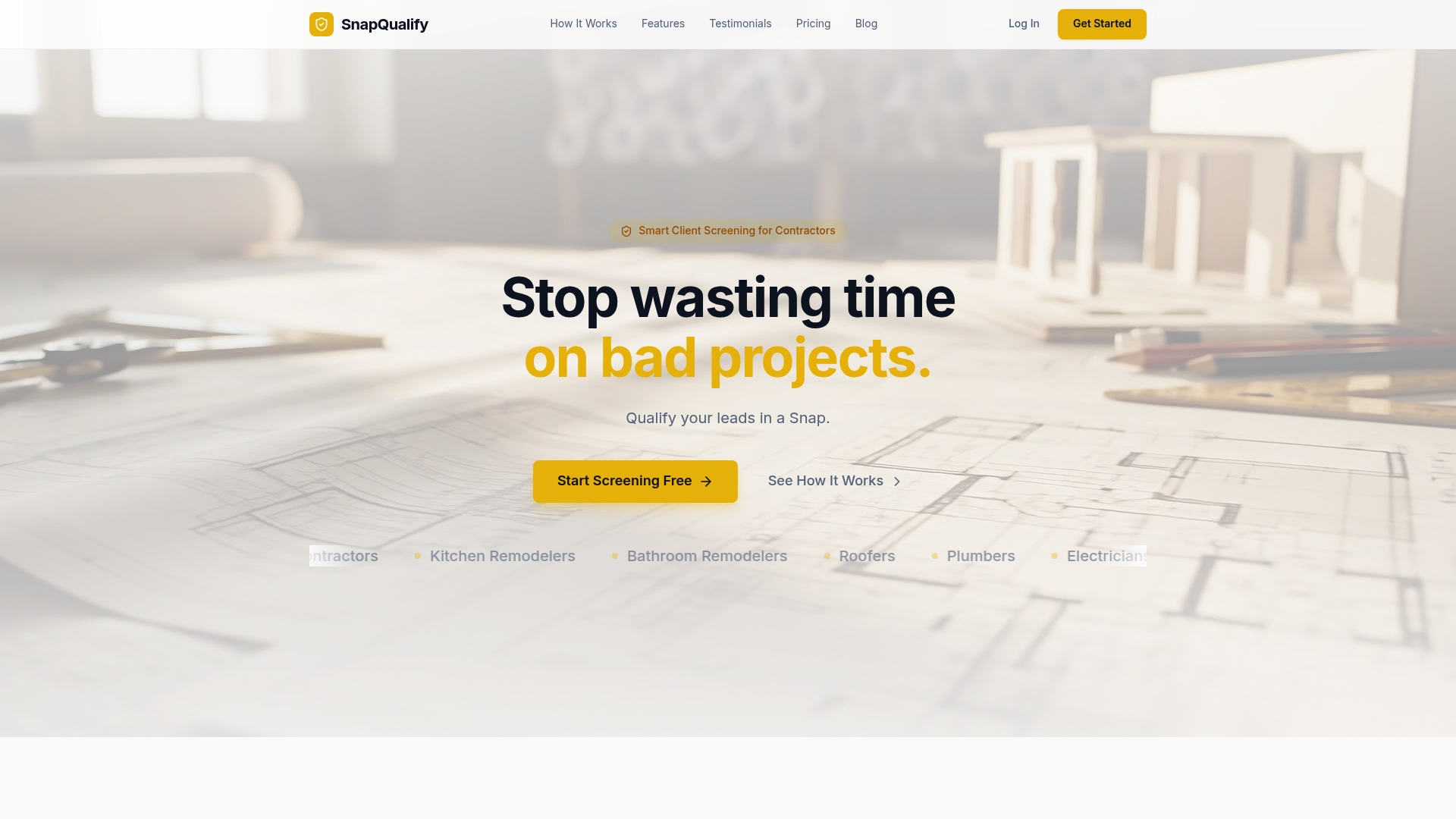
At a Glance
A free starter plan includes five screenings per month, with paid plans starting at $29 a month for unlimited screenings and a team tier at $99. SnapQualify turns client intake answers into a color coded SnapScore so you see risk before a site visit.
Core Features
- Intelligent Risk Analysis of client responses that combines AI with contractor-based heuristics to flag concerns quickly.
- Smart, branded intake forms that adapt to project details so clients answer only relevant questions.
- Color coded SnapScore that grades client reliability and project suitability at a glance.
- Detailed breakdowns explaining flagged items in minutes, helping you set expectations around scope, budget, and timeline.
Key Differentiator
The single thing that sets SnapQualify apart is its AI powered, behavior based risk analysis tuned to contractor inputs. That analysis looks at how clients answer questions and highlights patterns contractors see as risky, not just keyword matches.
Pros
-
Saves time by surfacing risky or unfit clients before you spend hours preparing a quote. That reduces wasted site visits and administrative overhead.
-
Helps prevent scope creep and late payments by prompting precise questions about budget and timeline during intake. The intake form becomes a protective document you can reference.
-
Branded intake forms present a professional front to prospects and keep client data organized in one place for follow up and handoffs.
-
Risk analysis blends AI with real world contractor insight, which gives practical signals rather than pure statistical noise.
-
Offers a free trial and a free starter plan, so you can test the workflow without a credit card or upfront commitment.
Cons
- The scoring can err on the cautious side; some users report false positives where reasonable clients are flagged and require manual review.
Who It's For
Independent trade contractors and small businesses such as Roofers, Plumbers, Electricians, HVAC technicians, Painters, and Landscapers who need to filter leads before quoting. It fits owners who want a lightweight intake workflow that plugs into scheduling and estimating processes.
Unique Value Proposition
The SnapScore plus minute level breakdowns let you make a go or no go decision in the time it takes to drink a coffee. That changes the economics of lead handling for solo operators who cannot afford wasted estimates or disruptive late payments.
Real World Use Case
A Roofing contractor sends a branded intake link from a lead form. The client fills project details and the system returns a SnapScore with flagged items about access and budget. The contractor declines the highest risk leads and focuses on profitable quotes.
Pricing
Free starter plan with five screenings per month. Paid plans start at $29 per month for unlimited screenings and extra features. Team access is available at $99 per month. A free trial with no credit card required is offered.
Website: https://snapqualify.com
EspoCRM
At a Glance
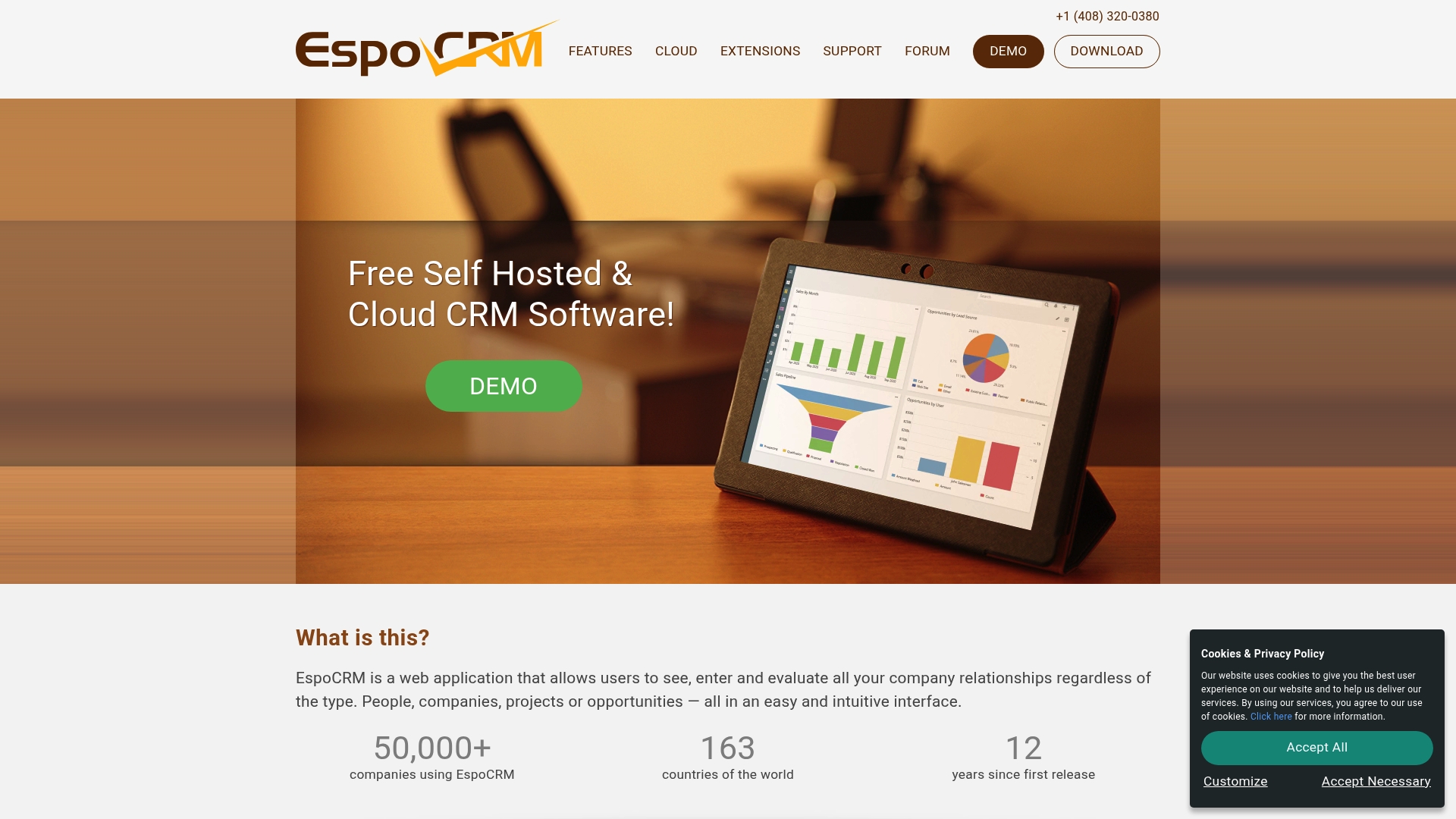
Free and open source with both self-hosted and cloud deployment options, EspoCRM gives small teams full control over their data and customization without per-user licensing costs. The combination of a no-license barrier and deployment flexibility is the single practical advantage many SMBs look for.
Core Features
EspoCRM delivers a full CRM stack you can adapt without code. Key pieces include customizable entities, fields, and layouts, automation with workflows and scheduled tasks, and sales pipeline tools for leads and opportunities.
Reporting and dashboards provide analytics, while built-in calendars, email, an activity stream, and a customer portal help centralize customer work. Role-based security and field-level permissions address basic compliance needs.
Key Differentiator
The standout is the open source license paired with both cloud and self-hosting. That combination means you can run a tightly controlled instance on your servers or pick hosted plans to avoid ops work. For teams that want full schema control and no per-seat fees, that choice matters.
Pros
-
Excellent customization options let you model industry-specific entities without custom code. That lowers friction when you must track nonstandard data for projects or assets.
-
No per-user licensing under the open source model removes a recurring cost barrier for growing crews and seasonal staff.
-
Offers automation with workflows, BPM, and scheduled tasks to reduce repetitive admin work for sales and support teams.
-
Cloud and self-hosted paths give you a choice between managed hosting and total data control when compliance requires it.
-
Active community and available extensions speed up common integrations and vertical use cases.
Cons
-
Some users report lookup feature problems that make data retrieval inconsistent in complex setups.
-
Upgrades can be difficult when you have heavy customizations, which raises maintenance costs for nontechnical teams.
-
PDF templates use an older library and limit document formatting for invoices or proposals.
-
A number of advanced integrations and modules require technical know-how or paid extensions to match enterprise workflows.
When It May Not Fit
If you need an out-of-the-box solution that works with minimal configuration and no technical support, EspoCRM will feel heavy. Also avoid it if you lack access to an IT person for upgrades or if you require polished, modern PDF documents straight away.
Notable Integrations
- Google Calendar and Contacts
- Outlook
- Mailchimp
- Zoom
- Stripe
- Zapier
Who It's For
Small to mid-sized businesses and technical teams that want a customizable, open source CRM backbone. It suits niches such as retail, e-commerce, healthcare, and real estate where tracking custom entities and automation matter more than plug-and-play simplicity.
Real World Use Case
A retail company customizes EspoCRM to track store-level sales, customer support tickets, and loyalty interactions. They integrate Mailchimp for campaigns and automate routine follow-ups so sales reps spend less time on admin and more time on closing.
Pricing
The core product is free under an open source license. The vendor also offers paid extensions and optional cloud hosting plans for teams that prefer managed services over self-hosting.
Website: https://espocrm.com
Apptivo
At a Glance
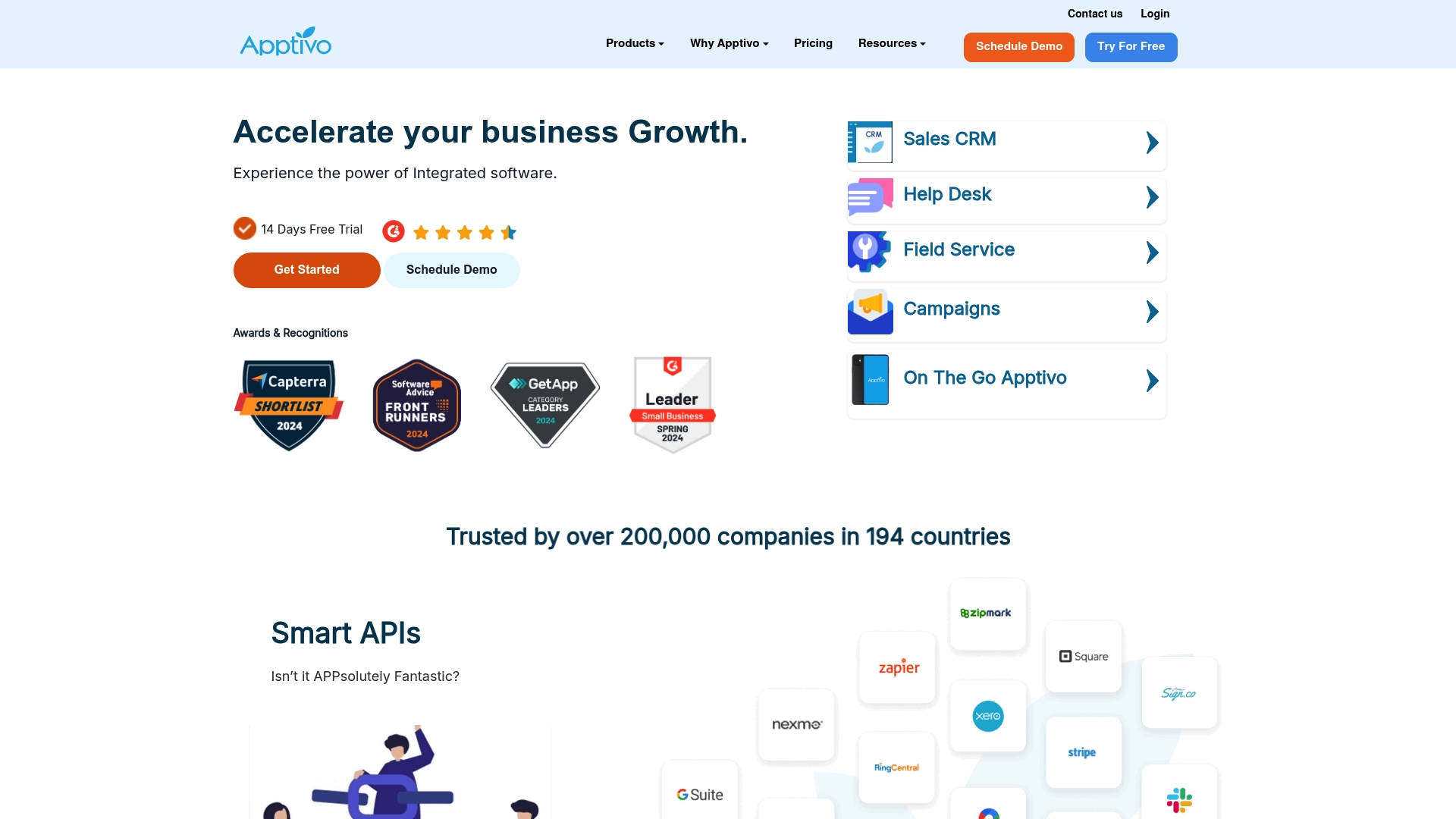
The vendor advertises SSAE18 SOC2 Type II certification and positions the product as an all-in-one business suite for small and medium businesses. Apptivo combines sales, service, field operations, and marketing tools into a single system that aims to reduce duplicate data entry.
Core Features
- CRM with lead, contact, and opportunity management for handoffs between sales and service teams.
- Help desk ticketing and case workflows to track customer issues from first contact to resolution.
- Field service management tools for scheduling, dispatch, and on-site updates via mobile apps.
- Robust reporting, campaign creation, email automation, and workflow automation using webhooks and custom apps.
Key Differentiator
Apptivo’s strength is the level of customization and automation it exposes to admins. Where Snapqualify focuses narrowly on contractor client screening and SnapScore workflows, Apptivo targets broader operational consolidation across CRM, service, and field teams, with deep integration hooks for accounting and collaboration tools.
Pros
- Responsive support. Users report a helpful support team that shortens the ramp when workflows need tuning.
- Flexible configuration. The platform lets you build custom apps and automated workflows that mirror your business rules rather than forcing a single process.
- Strong service features. Ticketing and recurring task automation reduce manual follow ups for customer service teams.
- Scales across teams. Plans and permissions accommodate small teams as well as larger groups with territory and role-based controls.
- Mobile access for iOS and Android keeps field techs updating jobs in real time from job sites.
Cons
- Steep learning curve. Administrators and power users need time or training to map out custom flows and forms.
- Navigation can feel dense at first, which slows adoption for nontechnical staff.
- Reporting glitches. The vendor notes occasional errors in report output, so critical dashboards require verification.
- Customization overhead. Building and maintaining complex custom apps can demand internal admin resources or outside help.
When It May Not Fit
If your primary need is a fast, lightweight client qualification form for contractors, Snapqualify’s focused intake and SnapScore workflows are a simpler choice. Small teams with no admin capacity will struggle with Apptivo’s initial setup and ongoing maintenance.
Notable Integrations
Apptivo connects with common business tools that matter to trade contractors and service teams.
- QuickBooks, Xero for accounting sync.
- Google Workspace, Office 365 for calendar and contacts.
- Dropbox, Google Drive, OneDrive for document storage.
- Slack for team notifications and lightweight collaboration.
Who It's For
Small to medium-sized businesses that want a single system to handle CRM, customer support, field service, and marketing. Best for teams willing to invest time in configuration so the platform maps to their existing processes.
Real World Use Case
A mid-sized manufacturer centralizes customer records, routes support tickets to the right service tech, schedules site visits from the field app, and runs follow-up email campaigns from the same account. That reduces manual entry and keeps sales and service working from the same data.
Pricing
Monthly tiers start at $20 per user for Lite, $30 for Premium, and $50 for Ultimate, with enterprise quotes available. Annual discounts apply and a free trial is offered so you can test workflows before committing.
Website: https://apptivo.com
Odoo
At a Glance
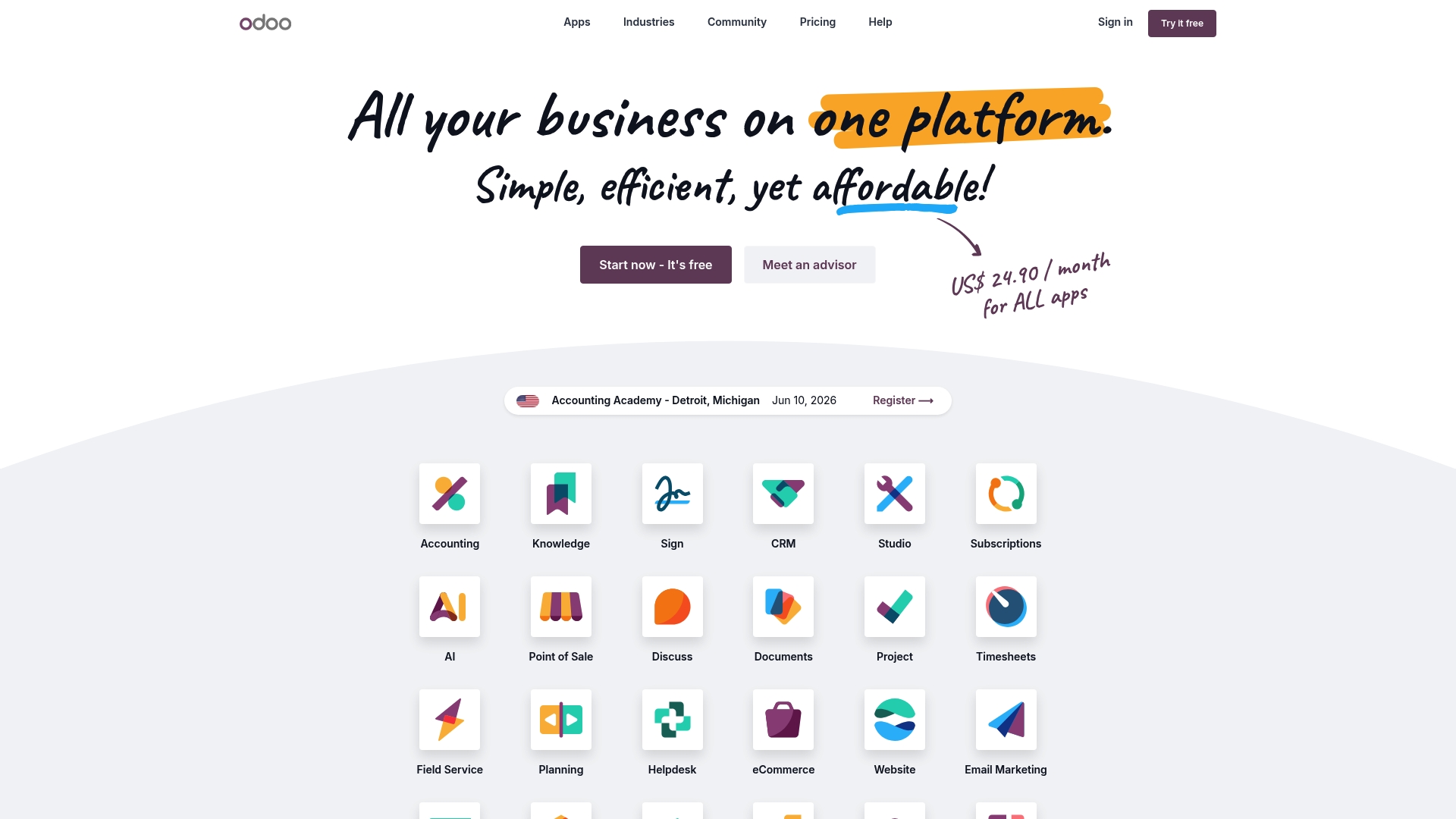
Odoo's marketing materials state more than 40,000 community modules, a claim that explains why companies pick it when they need unusual connectors or niche industry features. The vendor also advertises sub-90ms operations for many actions, a performance figure they highlight for fast user workflows.
Core Features
- CRM, sales pipelines, and customer records tied directly to invoicing and contracts.
- Inventory, manufacturing, and point of sale tools that share a single product catalog and stock ledger.
- Native AI capabilities for automation, basic research tasks, and rule automation across apps.
- Accounting with multi-country compliance and project management integrated with timesheets and tasks.
- An open source community that provides extensions, themes, and industry-specific modules.
Key Differentiator
What sets Odoo apart is the mix of an open source ecosystem and built-in automation. That combination lets teams extend core apps with community modules while adding machine-driven rules and AI where needed. Compared with narrow tools aimed at contractor intake and screening, Odoo aims to replace many back-office systems rather than to qualify leads.
Pros
- Extremely adaptable workflows. The platform supports custom states, automated rules, and form logic so you can model real job flows rather than forcing work into a fixed template.
- Broad coverage across back-office functions. Accounting, inventory, sales, and projects live in the same database which cuts duplicate data entry and reduces reconciliation time.
- Free plan for single app use gives a low-cost entry point for teams that only need one piece of the system.
- Large community means many ready-made modules for industry needs, from eCommerce connectors to manufacturing routings.
- Strong product catalog and project management features work well for businesses that track material, labor, and service items together.
Cons
- Steep learning curve for administrators and power users. Expect several weeks to reach fluency on nontrivial setups.
- Customer support responsiveness receives mixed reports, which increases reliance on community or third-party implementers.
- Possible performance problems under extremely heavy data loads, depending on hosting and configuration.
- Can feel overly complex for small trades or teams that need only a simple intake form and light reporting.
When It May Not Fit
If your core need is a quick client qualification form and a color-coded scoring output for job screening, Odoo is likely overkill. Small contractors who want a low-friction intake process and minimal setup will spend more time configuring than using the system. Also avoid Odoo when you lack internal IT or an implementation partner to tune performance.
Who It's For
Medium to large organizations and service businesses that must unify accounting, inventory, sales, and projects under one platform. Ideal when you need deep customization, regulatory reporting across countries, or the ability to extend functionality through community modules.
Real World Use Case
A manufacturing firm connects ERP, inventory management, and eCommerce on Odoo to automate order flows. The result is fewer manual handoffs, real-time stock visibility, and faster order fulfillment, which supported a measurable increase in throughput for the operations team.
Pricing
A free tier exists for single app use. Paid plans start at US$24.90 per user per month for broader access and scale up to an enterprise edition with additional features and support options.
Website: https://odoo.com
Comparative Analysis: Selecting the Right Client Screening Solution
For businesses seeking tools to evaluate potential clients systematically, several products offer unique value across diverse dimensions. Here's a comparison of the leading options in this space.
Feature Adaptability and Focus
SnapQualify shines with its specialized intake and client suitability scoring system. Its features are tailored explicitly for small contractors, offering a user-friendly approach for quickly filtering high-risk clients. In contrast, EspoCRM and Odoo present adaptability but target broader operational needs, requiring more customization efforts to serve a similar purpose.
Cost Management and Deployment Options
Though not exclusive to client screening, EspoCRM provides substantial financial advantages through its open-source licensing, eliminating per-user fees and allowing businesses complete control. Accompanyingly, its self-hosting capability ensures data security while lowering ongoing costs for skilled teams. This makes it attractive for budget-focused enterprises capable of managing technical requirements.
Functionality for Team Usage
When compared to SnapQualify, Apptivo offers a multi-functional suite that extends beyond screening to integrate field service management and marketing tools. While this nature supports broader team workflows, smaller teams with pinpoint priorities might find it overwhelming or underutilized.
Best Fit Scenarios:
- SnapQualify: Crafted for independent contractors, such as electricians and HVAC specialists, requiring specific lead evaluation tools that integrate into existing estimation processes.
- EspoCRM: for organizations valuing complete customization control and cost efficiency, particularly those equipped for self-hosted solutions.
- Apptivo: Well-suited for medium-sized businesses desiring a unified platform covering CRM, service management, and marketing functionalities with scalability at the forefront.
- Odoo: Effective for larger organizations needing operational unification through customization and a wide range of offered modules.
Our Pick: SnapQualify
SnapQualify distinguishes itself as the primary tool for independent tradespersons requiring prompt and accurate client screening integrated into their quotation process. While alternative options offer broader utilities, these may involve complexities unsuitable for small-scale operations. For instances where advanced CRM or multifunctional suites are required, exploring solutions like EspoCRM or Apptivo may be more valuable. However, for its specialization and ease-of-use, SnapQualify is the prioritized recommendation for contractors emphasizing practical and efficient lead assessment.
Client Screening Software Comparison
Choosing the right client screening software is crucial for efficient lead management and tailored client engagement.
| Product | Core Feature | Key Differentiator | Best for | Pricing | Notable Limitation |
|---|---|---|---|---|---|
| SnapQualify | Intelligent Risk Analysis with SnapScore | AI-tuned to contractor inputs | Independent contractors needing risk-graded leads | Free starter, $29/month unlimited | SnapScore may flag some false positives |
| EspoCRM | Full CRM stack adaptable with no code | Open source with hosting flexibility | SMBs needing customizable CRM solutions | Free core, cloud hosting extra | Lookup inconsistencies in complex setups |
| Apptivo | All-in-one CRM for sales and service teams | Customizable and integrative field tools | SMBs consolidating CRM, service, and field workflows | $20/user/month, discounts available | Steep learning curve |
| Odoo | Unified CRM with AI capabilities | Open source with vast community modules | Medium to large firms needing extensible ERP systems | $24.90/user/month | Complex configuration for small trades |
Simplify Client Screening with Snapqualify
Choosing the right client for your contracting business can feel overwhelming among so many options. If you are exploring snapbusinesssolution.com alternatives, consider how Snapqualify offers a focused way to reduce risk with its color-coded SnapScore. This tool helps contractors quickly identify potential project red flags like budget concerns and access issues, saving time and avoiding costly site visits.
See Snapqualify in action
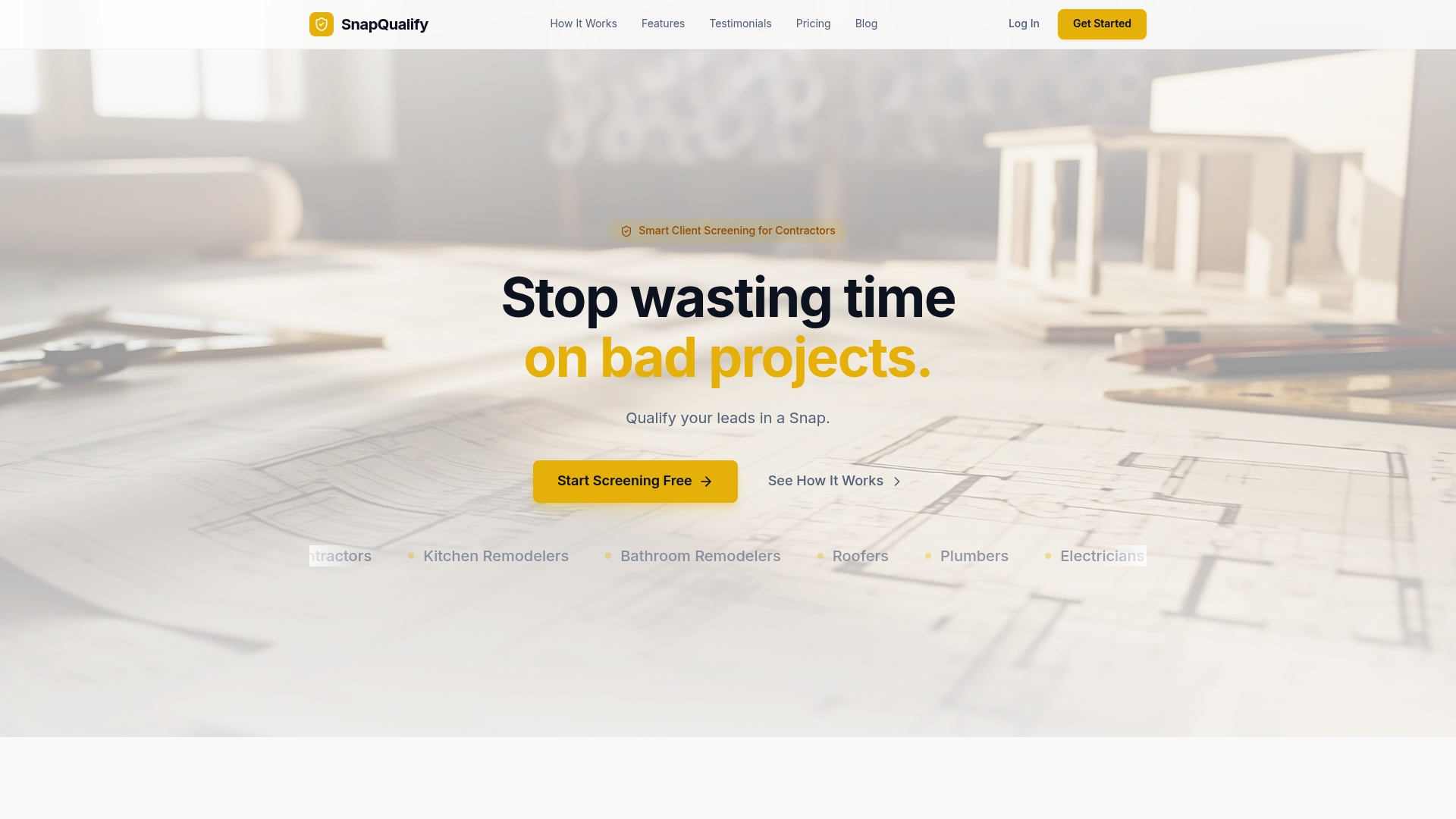
Don’t let uncertain leads slow you down. Visit Snapqualify to try the free starter plan and experience how intelligent intake forms paired with AI-driven risk analysis can give you confidence in client decisions. Qualify leads faster and decide which jobs to pursue with fewer headaches.
Frequently Asked Questions
How does Snapqualify's intelligent risk analysis enhance client screening?
Snapqualify offers intelligent risk analysis that combines AI with contractor-based heuristics to flag risks quickly. This feature allows contractors to identify concerning patterns in client responses efficiently, ultimately saving time on quote preparations. You can start using this analysis with Snapqualify’s free starter plan to better filter leads before site visits.
What is the difference between Snapqualify and EspoCRM in terms of customization?
EspoCRM provides excellent customization options by allowing users to create industry-specific entities without code, making it suitable for teams needing tailored solutions. Snapqualify, on the other hand, focuses specifically on client screening with its color-coded SnapScore, which is designed for rapidly assessing project suitability. Consider Snapqualify if your main priority is an efficient client intake system.
Can I use Snapqualify if my team lacks extensive IT resources?
Yes, Snapqualify is designed for independent trade contractors and small businesses looking for a lightweight intake workflow. Unlike EspoCRM, which may require significant IT support for upgrades, Snapqualify simplifies the client screening process without the need for complex configurations. Start with their free trial to see how easily you can implement client screening without heavy IT lifting.
How does Snapqualify’s branded intake forms contribute to professionalism?
Snapqualify’s branded intake forms give prospects a polished front, reflecting professionalism while streamlining data organization. This feature keeps client information centralized for follow-up and handoffs, enhancing overall operational efficiency. It's an excellent option for businesses seeking to maintain a professional image during client interactions.
What can Snapqualify do to prevent scope creep?
Snapqualify helps prevent scope creep by prompting precise questions about budget and timeline during the client intake process. The detailed breakdowns offered by Snapqualify clarify flagged items, helping you set accurate expectations regarding project scope and budget. This ensures a smoother workflow and reduces the risk of disputes later in the project.