

Sorting qualified leads from tire-kickers wastes contractor time and still lets some poor-fit jobs slip through. Many platforms hide prices, require custom demos, or lock core automation and analytics behind high-tier subscriptions. This comparison covers price, workflow, and integration details across five lead qualification systems so contractors can pick a better fit than Qualified Remodels.
Table of Contents
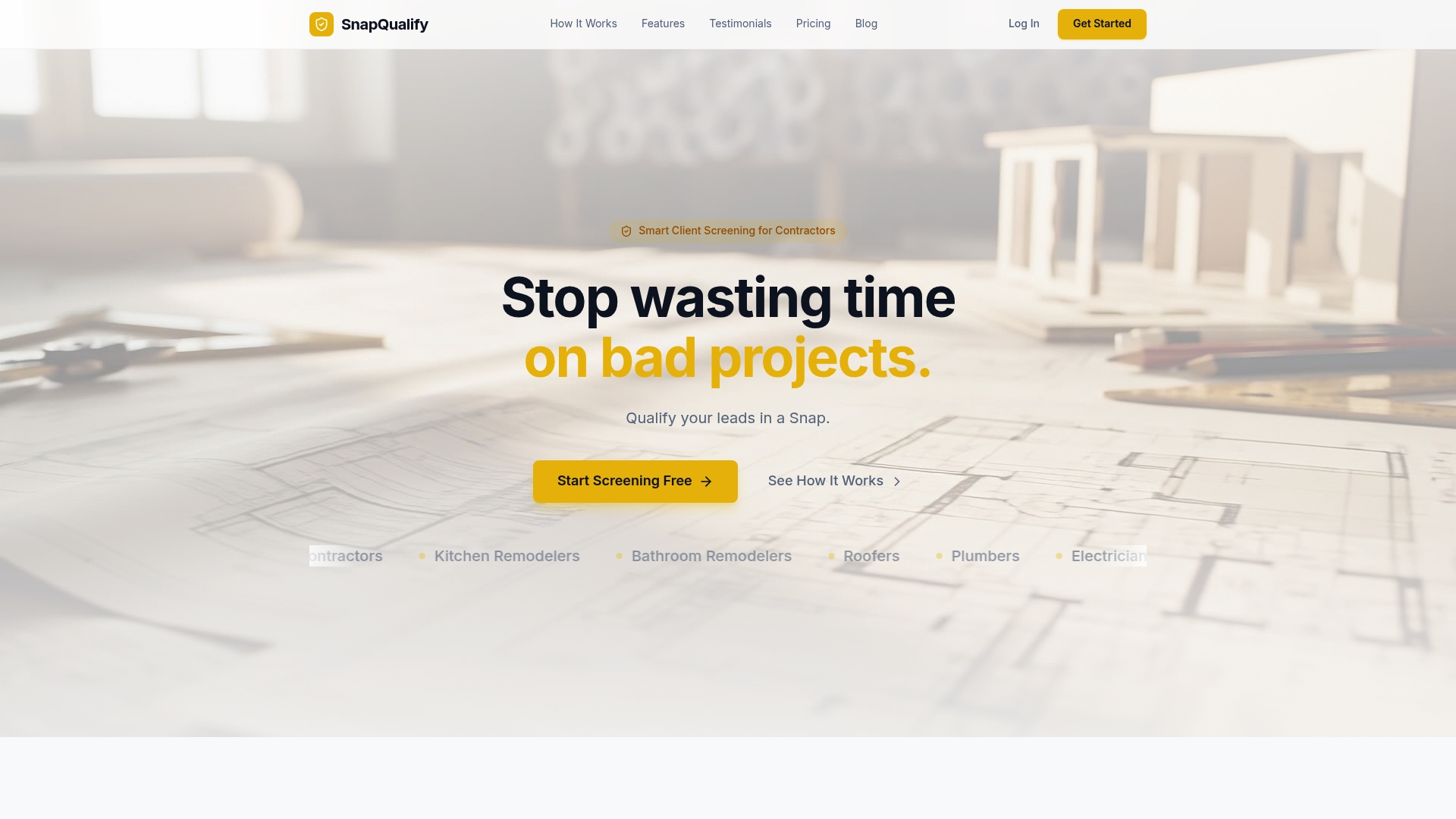
SnapQualify
At a Glance
Generates a color coded SnapScore from client responses in minutes. The score reflects risk signals drawn from answers about scope, budget, and experience. The system aims to cut wasted visits and payment disputes by giving contractors a quick, fact based read on a lead.
Core Features
SnapQualify uses branded intake forms that adjust questions automatically as clients answer. Those responses are processed with AI driven analysis and contractor input heuristics to produce a color coded SnapScore and clear risk signals. The platform highlights scope issues, late payment risk, and other client behaviors so you can decide before you travel to a site.
Key Differentiator
The standout element is the AI driven analysis matched to contractor sourced patterns to produce fact based risk scores quickly. That combination makes the score more than a checklist. It merges real world contractor rules with automated pattern recognition to flag likely problem projects and clients.
Pros
Speeds client qualification from days to minutes by replacing long back and forth with an intake form and instant score. The branded forms raise perceived professionalism while collecting the project details you need to price accurately. A free trial is available with no credit card required, letting you test forms and scoring in your actual workflow before paying.
Cons
- May not help when clients refuse to complete the intake form or give inaccurate answers, since the score depends on client supplied information.
Who It's For
Independent trade contractors and small contracting firms that quote and sign contracts will get the most value. Roofers, electricians, plumbers, HVAC techs, painters, landscapers, and general contractors fit this profile. Teams that lose time on unqualified leads or that chase late payments will benefit most.
Unique Value Proposition
Branded online intake forms produce an immediate, color coded SnapScore you can use inside your existing quoting process. That fast score lets you skip low probability visits and focus quoting hours on qualified clients. The result reduces time wasted on poor leads and gives your team a documented reason to decline risky jobs.
Real World Use Case
A roofing contractor sends a branded intake link to new inquiries. Clients fill project scope, budget, and timing questions. The contractor gets an instant SnapScore and risk notes and then decides whether to dispatch a crew or ask for a deposit before quoting.
Website: https://snapqualify.com
Toolsey
At a Glance
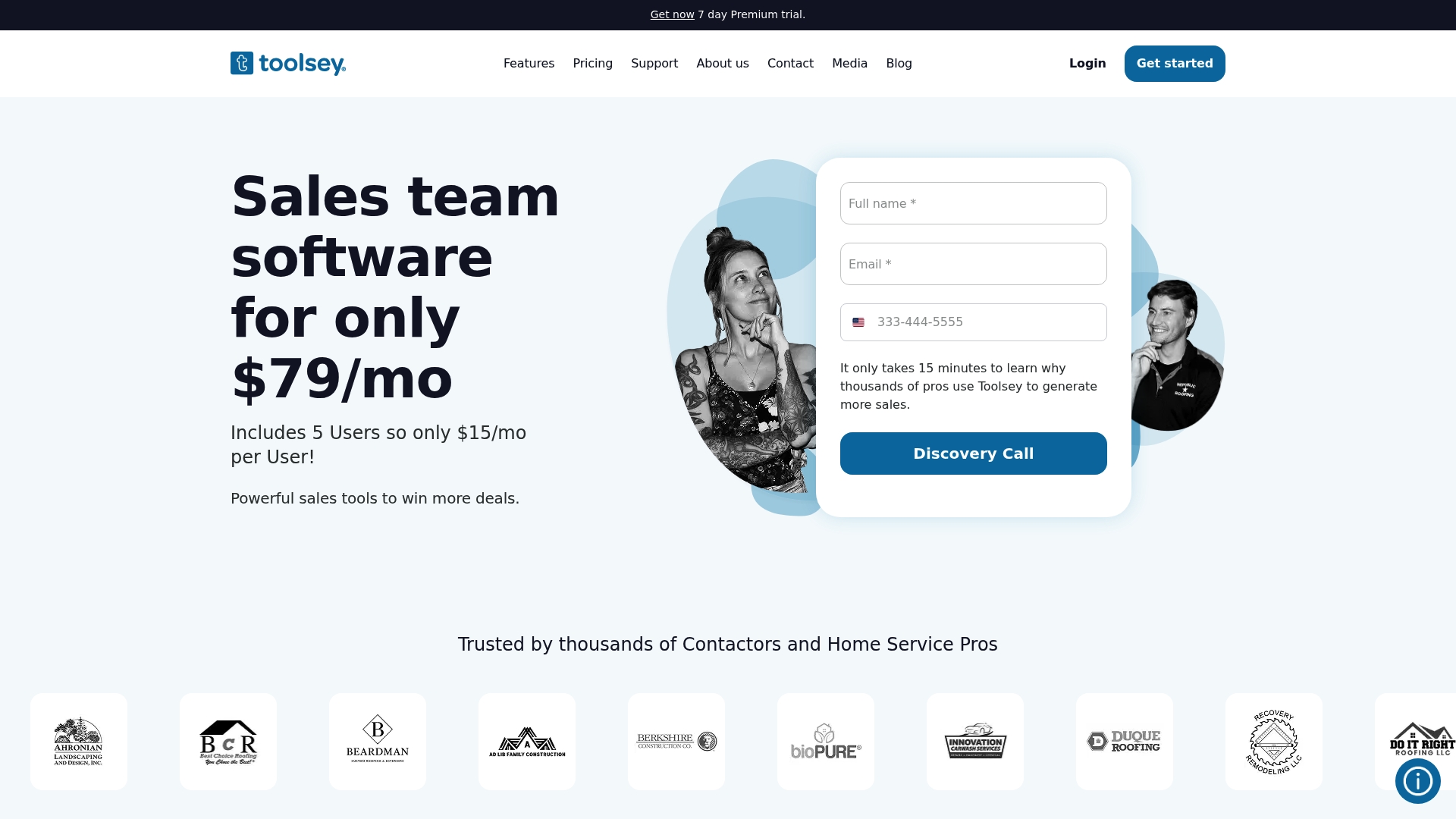
Toolsey offers a Lite tier that starts at $0/month and paid plans from $79/month. It pulls leads from multiple sources and sends instant email and SMS alerts so your team responds faster. The platform targets small to medium home service businesses that want to centralize lead flow and automate follow up.
Core Features
Toolsey aggregates leads from websites and marketplaces while tracking them through a visual sales funnel and mapping tool. The system delivers instant notifications, supports digital forms and jobsite photos, and automates lead assignment and follow up. Team management and analytics live in the same dashboard to keep sales reps and office staff aligned.
Key Differentiator
The vendor advertises Toolsey as built specifically for home services with industry-specific AI tools and broad automation capabilities. That positioning shows up as routing rules, location-based assignment, and templates tuned to contractors. These elements aim to reduce manual triage and speed first contact for service estimates.
Pros
Affordable entry pricing and a clear upgrade path make Toolsey an accessible choice for small teams. The automation features cut response time and help keep leads moving through the funnel while the mobile app supports field staff capturing photos and forms onsite. Integrations with marketplace and accounting platforms let you centralize incoming leads and sync data to existing tools.
Cons
- Limited detailed customization in some modules can frustrate teams with complex workflows.
- Many customers will need dedicated onboarding to get the most from the automation tools.
- Pricing can climb as you add users or enable advanced modules.
When It May Not Fit
Toolsey is primarily designed for home service contractors and may not suit large enterprise sales operations. Advanced customization often requires technical expertise or developer support. Some third-party connectors require higher-tier plans, which can complicate budgeting for growing teams.
Notable Integrations
- HomeAdvisor
- Zapier
- Salesforce
- QuickBooks
- GoDaddy
- Squarespace
- Hatch
- AccuLynx
These integrations let you import leads, push customer records to accounting, and connect to websites and marketplaces.
Who It's For
You run a roofing, HVAC, plumbing, or general contractor business with a small sales team and multiple lead sources. You need faster responses, simple geographic routing, and a single view of prospect activity. You want affordable automation without rebuilding your tech stack.
Real World Use Case
A roofing company captures leads from its site and marketplaces, then Toolsey assigns them to reps based on location. The rep receives an instant SMS, uses a mobile form to record jobsite photos, and moves prospects through the funnel. That flow reduces follow up lag and keeps sales metrics visible to the office.
Pricing
Toolsey lists a free Lite tier, a Basic plan at $79/month, and a Premium plan at $129/month, with no contracts required. Expect costs to rise if you add seats or enable advanced integrations and modules.
Website: https://toolsey.com
Kiese Technologies
At a Glance
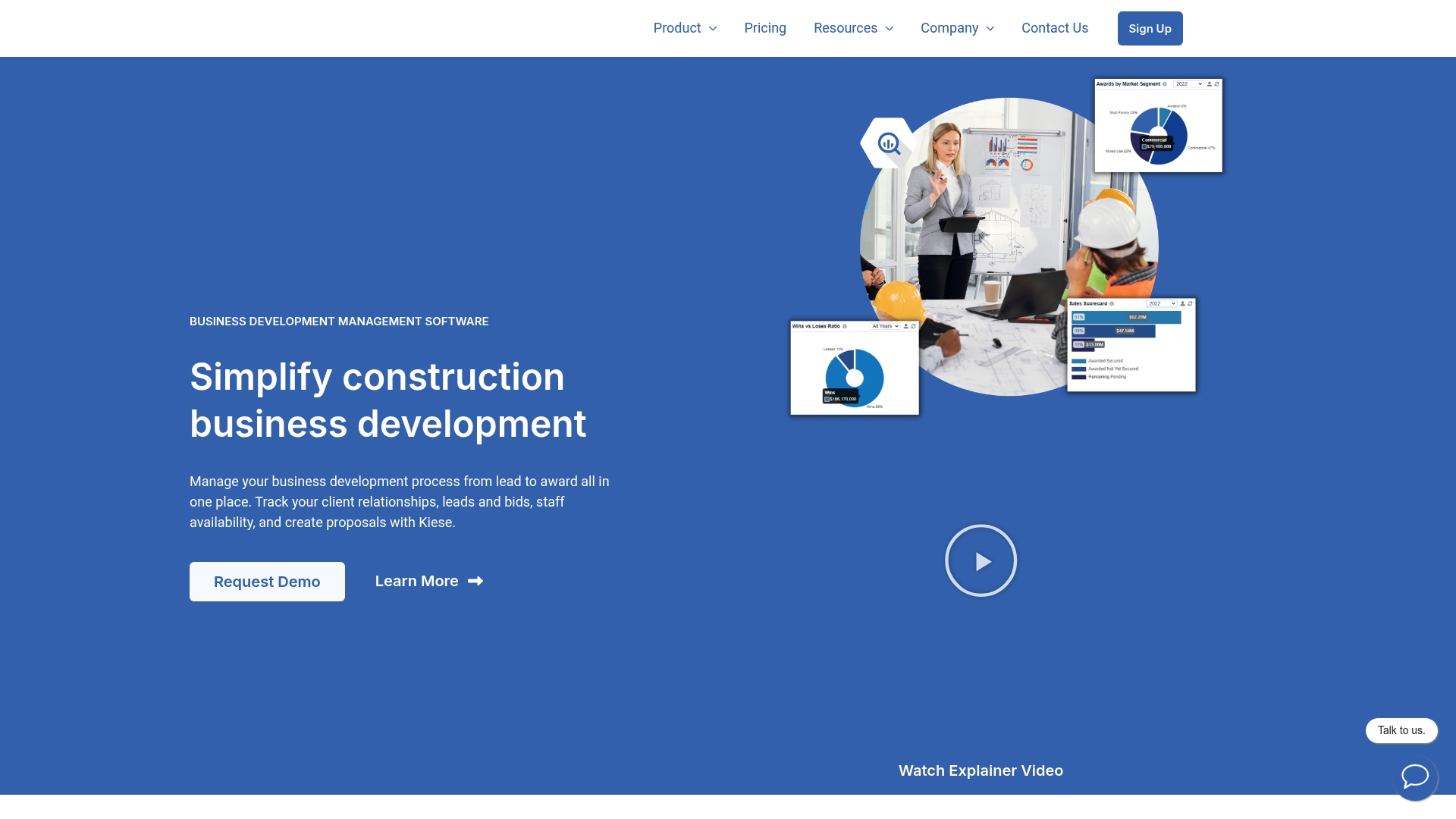
Kiese Technologies reports over 30 real-time dashboards for analytics. That breadth of reporting targets bid teams tracking proposal outcomes and win rates.
The product bundles opportunity tracking, staff planning, and client records into a single workspace. That setup helps teams keep pursuit data and project records linked.
Core Features
Kiese centralizes opportunity management for leads, bids, RFQs, and proposals, while linking those records to project data and staff assignments. The platform includes client and contact management and collaboration tools with task assignment and team chat via email integration and calendar syncing. Reporting arrives as many dashboards, so teams can monitor bid velocity and proposal outcomes.
Key Differentiator
Kiese targets construction business development specifically. It combines pursuit workflows with project and resource context so proposals live alongside schedule and staffing information. The vendor reports the dashboard count above. That depth of analytics aims to turn pursuit signals into tactical decisions for general contractors and specialty firms.
Pros
Kiese matches the way construction teams pursue work by centralizing bids, RFQs, and contact records in one place. It supports staff resource planning so you can see who is available for a pursuit and which projects may conflict with new work. The collaboration features reduce email clutter by attaching tasks and chat to opportunities. The reported dashboards give teams multiple real-time views of bid pipeline health and proposal outcomes.
Cons
- Third-party reviews do not specify significant limitations or flaws. This lack of independent critique makes it harder to judge long-term reliability.
- Could be resource-intensive for smaller teams because the feature set targets mid-sized and enterprise workflows. Smaller shops may find setup and maintenance heavy.
- Limited detail on integration capabilities and customization. If you rely on a custom ERP or estimating tool, integration options are unclear.
When It May Not Fit
If your firm uses a custom estimating system and needs deep API connections, Kiese may not fit. Small teams with minimal business development headcount may find the platform more complex than necessary. Organizations that prefer lightweight CRMs will likely prefer a simpler, lower-cost tool.
Who It's For
Construction business development teams, project pursuit managers, and senior staff at small to mid-sized contracting firms will get the most value. The product suits general contractors and specialty contractors that run frequent bids and need staffing visibility. Consultants handling RFQs and strategic networking can also use the reporting to prioritize pursuits.
Real World Use Case
A general contractor tracks dozens of active pursuits in Kiese. The team assigns staff to each opportunity and links proposals to expected project start dates. That approach keeps bid deadlines visible, reduces scheduling conflicts, and improves on-time submissions.
Pricing
Pricing starts at $650 USD/month for the Essential plan, billed annually. The vendor states higher tiers exist for mid-sized and enterprise teams, with additional features and support at those levels.
Website: https://kiesetechnologies.com
Qualified Remodels
At a Glance
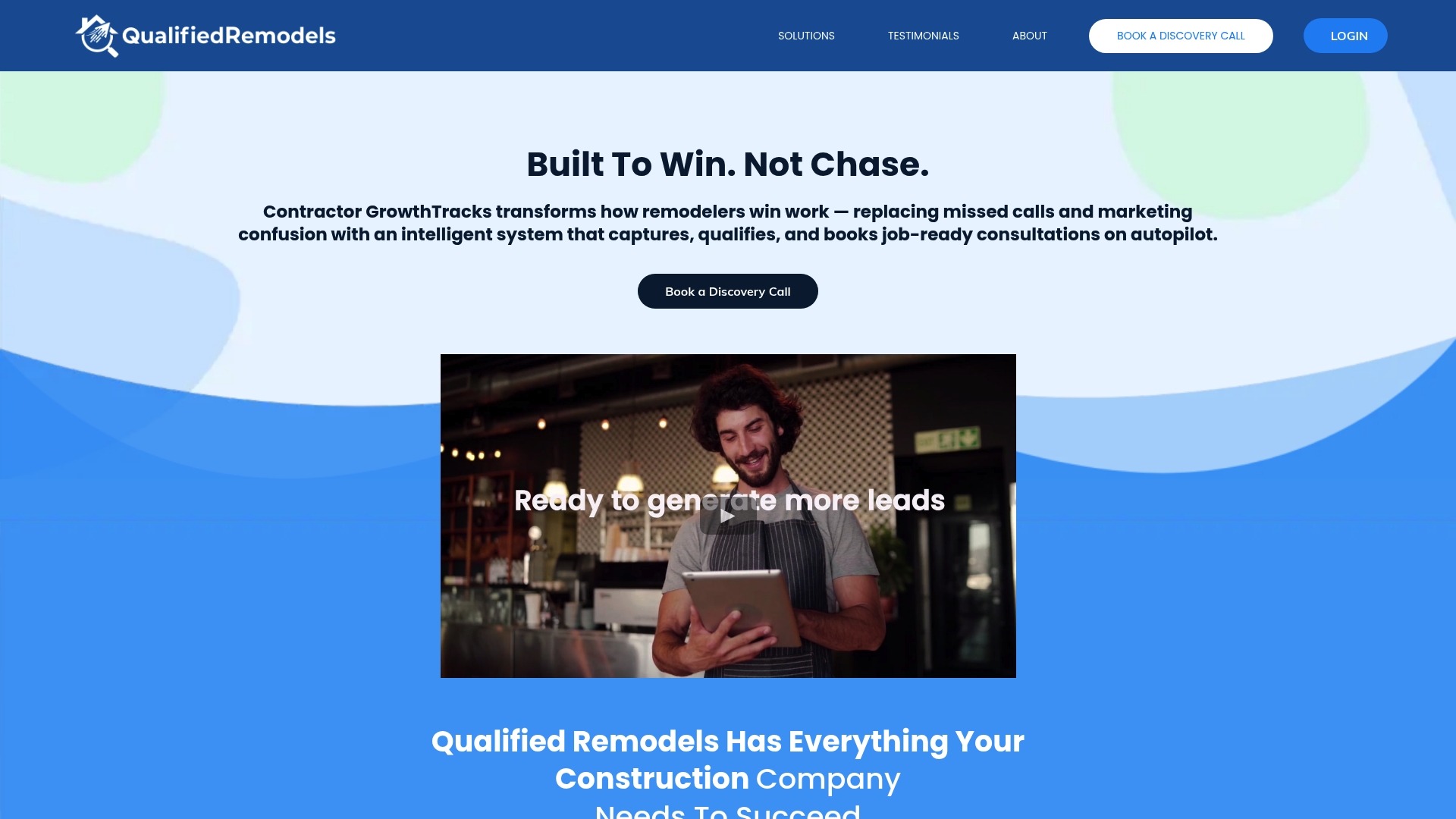
AI powered booking guidance handles chat, SMS, and voice to qualify and schedule consultations automatically. The system pairs instant follow up with automated reminders to reduce missed appointments. A centralized command view gives real time visibility into leads and bookings.
Core Features
The platform combines instant response systems with automated follow up and workflow management, so inquiries do not slip through. A centralized command center shows leads, appointments, and performance in one view and supports faster decisions. Automated scheduling includes confirmations and reminders while AI powered booking guidance helps convert conversations into booked consultations.
Key Differentiator
Qualified Remodels positions itself as an all in one platform that merges lead capture, lead qualification, scheduling, and real time analytics for remodelers. That focus on combining intake and booking into a single control surface aims to cut the number of tools a contractor must manage. The vendor markets the product specifically for construction and remodeling workflows rather than general sales teams.
Pros
The platform replaces multiple marketing and scheduling tools with a single interface, which reduces context switching for office staff. Automated follow up cuts the manual work of chasing prospects and keeps conversations active after initial contact. Real time visibility into leads and appointments helps you prioritize jobs and spot gaps in response. Faster response and reminders raise the chances that a lead becomes a booked consultation.
Cons
- No third party reviews listed: Specific external reviews are not available in the product data, which makes independent validation harder.
- Undisclosed customization limits: The data does not describe granular customization, so complex workflows may require a vendor conversation.
- Pricing not public: The vendor did not list pricing details, so you will likely need a subscription quote to compare costs.
Who It's For
Contractors and remodelers who want to move from manual intake to automated lead capture and booking will see the most value. Small construction firms and marketing agencies that manage multiple clients in home improvement can use the single command view to reduce tool sprawl. Office managers who handle scheduling and confirmations benefit from automated reminders and centralized conversations.
Real World Use Case
A remodeling company uses Contractor GrowthTracks to answer web and text inquiries instantly and to qualify prospects by budget and scope. The system books consultations automatically and sends reminders to both homeowner and estimator. That workflow reduces no shows and increases the number of consultations booked per week.
Pricing
No public pricing tiers are included in the vendor summary. The product data lists pricing as not specified and likely subscription based or available by custom quote. Contact the vendor for a firm price and to confirm any setup or monthly fees.
Website: https://qualifiedremodels.com
LeadSquad
At a Glance
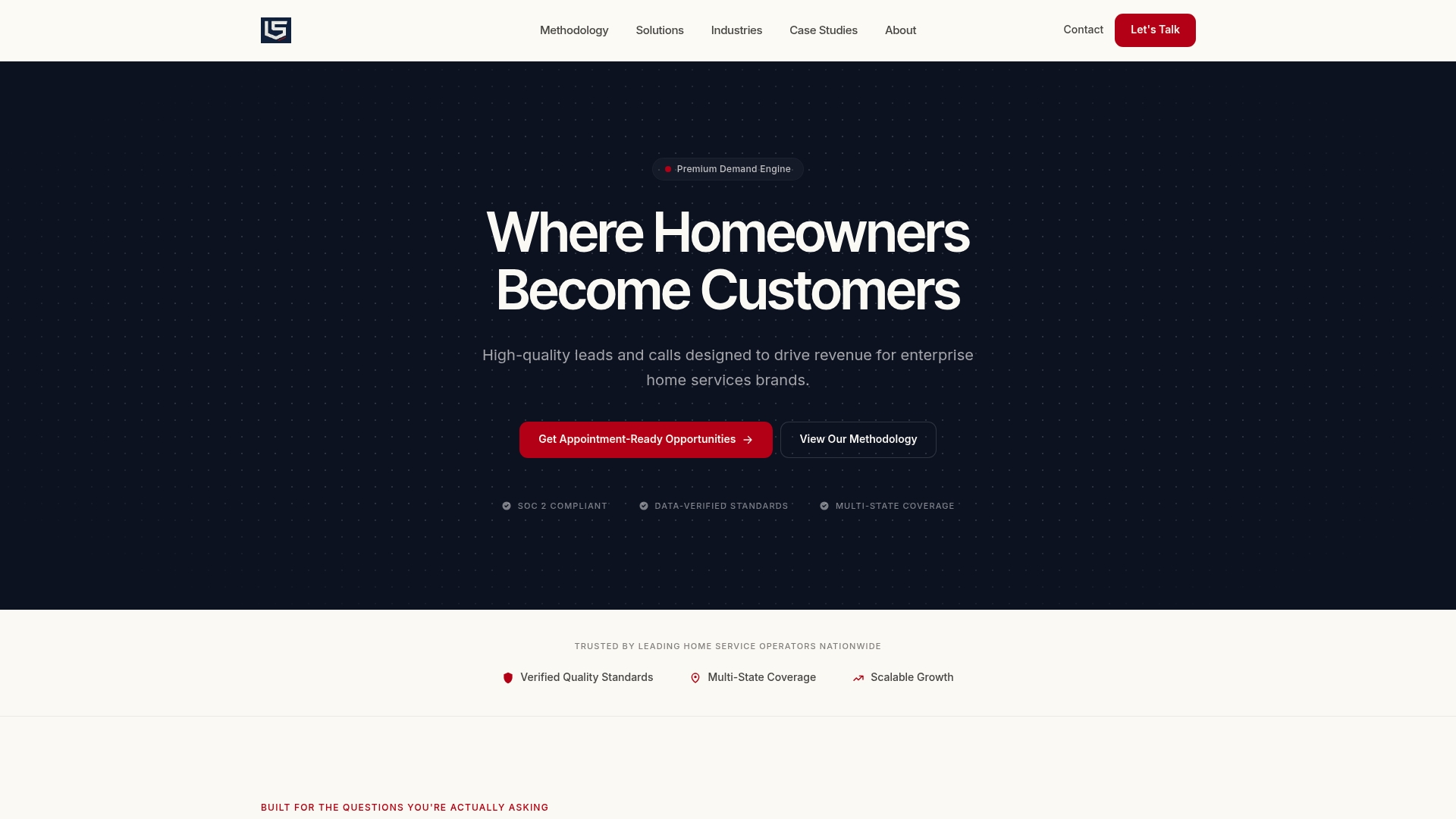
According to the company, LeadSquad owns and operates the entire homeowner demand funnel, from traffic diversification to storm-impact targeting and live verification. That setup reduces dependence on volatile lead auctions and creates a more predictable demand layer. The platform centers on high-value home categories such as roofing, HVAC, and windows, and delivers verified leads, calls, or booked appointments.
Core Features
LeadSquad mixes market-specific geo-targeting and inventory modeling with live homeowner qualification to deliver verified prospects and scheduled work. The vendor states compliance with SOC 2 and TCPA, which supports its focus on regulated contact and data handling. Delivery formats include verified leads, live calls, and booked appointments routed into your CRM.
Key Differentiator
The vendor positions LeadSquad as leading the industry with owner-verified homeowner demand infrastructure for scalable, multi-market growth in high-value categories. That emphasis on owning the funnel means you gain control over acquisition cost and lead verification rather than relying on third-party auctions.
Pros
LeadSquad has a built-in reputation for producing verified homeowner prospects, which cuts time your team spends on false or low-intent leads. The model creates economical, predictable demand layers that reduce exposure to auction volatility and unpredictable cost swings. The vendor publishes case studies showing performance gains, and that compliance claim underpins the platform's appeal for enterprise and investor-backed operators.
Cons
- Focused on high-consideration categories, limiting usefulness for low-cost or quick-turn home projects.
- Pricing targets larger operators and enterprises, which can make entry costly for single-location contractors.
- Service availability is primarily within the US, so international operators cannot use the platform directly.
- Requires integration with existing CRM and sales workflows, which may need internal onboarding and technical work.
When It May Not Fit
If your business depends on small-ticket, single-visit services, this platform may be overkill. If you operate outside the United States, LeadSquad does not offer broad coverage. If you lack CRM integration or the bandwidth for onboarding, the platform will not reach full value until those systems are in place.
Who It's For
You run a growth-focused, enterprise or large regional home service operation that needs predictable, multi-market customer acquisition. You may be a private equity rollup consolidating brands and requiring consistent lead quality across metros. You value verified contacts, regulatory compliance, and quantifiable demand programs.
Real World Use Case
A private equity-backed roofing operator used LeadSquad to enter multiple metros quickly. LeadSquad created geo-targeted demand programs and performed live US-based triage before sending verified leads and booked appointments to the operator's CRM. The operator scaled sales capacity and reduced variability in acquisition cost.
Pricing
Pricing is tailored and typically volume-based with enterprise flexibility. Contracts reflect geographic reach, vertical focus, and campaign size. Specific costs and performance-based budget structures are available after consultation.
Website: https://leadsquad.com
Comparison of alternatives
Selecting a lead qualification tool involves evaluating features tailored to your business requirements. Here, we analyze key advantages of the competitors to guide your decision.
Speed and precision in client qualification
SnapQualify excels in its ability to quantify client suitability through the SnapScore system, combining AI with contractor input patterns to deliver detailed assessments. This feature effectively reduces time spent on unqualified leads by enabling informed decisions rapidly. In comparison, Toolsey supports streamlined lead management; however, its broader focus on automation dilutes the depth of lead qualification insights available within SnapQualify.
Workflow integration and features
When considering integration across multiple workflows, Qualified Remodels exceeds in unifying communication, scheduling, and lead handling, catering specifically to remodelers. Their system's AI-driven automation simplifies follow-up routines and enhances productivity. Yet, the lack of detailed customization options and undisclosed pricing could challenge prospective users with specialized needs. SnapQualify provides a specialized solution for client qualification, which complements rather than replaces extensive workflow integration capabilities.
Best fit
- Independent general contractors prioritizing rapid and precise client qualification will benefit most from SnapQualify's SnapScore mechanism, which processes and scores lead details swiftly.
- Remodelers emphasizing multi-channel communication and scheduling integration should explore Qualified Remodels for its capabilities in these domains.
- Companies requiring verified and compliant lead generation alongside detailed targeting would find LeadSquad aligns with those priorities due to its advanced capabilities.
Our pick
SnapQualify stands out for its swift and detailed client qualification features courtesy of the SnapScore analysis. This tool is ideal for contractors seeking to enhance lead filtering efficiency and reduce wasted effort on low-quality prospects. However, for workflow integration or compliant lead generation, alternatives like Qualified Remodels or LeadSquad could prove more aligned.
Comparing lead qualification platforms can help you identify the options most suited to your contracting workflow needs.
| Product Name | Primary Feature | Best For | Pricing | Notable Limitation |
|---|---|---|---|---|
| Snapqualify | AI-driven SnapScore generation for client qualification | Small contractors needing fast responses | Free trial available | Dependent on client-supplied information accuracy |
| Toolsey | Aggregated lead flow with immediate notifications | Small teams connecting multiple lead sources | $0-$129/month | Advanced customization requires technical expertise |
| Kiese Technologies | Centralized bid and proposal management systems | Construction business development teams | From $650/month | Potential complexity for smaller teams |
| Qualified Remodels | Automated scheduling with real-time analytics | Remodelers streamlining client bookings | Price not published | Undisclosed customization limits |
| LeadSquad | Owned demand funnel delivering verified leads | Large operators seeking scalable growth | Custom / consultation | Mainly targets high-consideration service categories |
How Can Contractors Avoid Risky Leads and Wasted Time?
Working with unreliable clients or chasing late payments slows your projects and cuts into profits. Many trade contractors and small construction businesses face these challenges during the qualification stage. Snapqualify offers a solution that reduces these risks by qualifying your leads faster through intelligent intake forms. Clients answer specific questions about scope, budget, and experience. Then Snapqualify's AI-driven analysis generates a clear SnapScore that helps you identify project suitability quickly.
Benefits include:
- Spotting potential scope creep or payment risks early
- Reducing wasted visits for low-probability projects
- Enhancing professionalism with branded forms
Explore how Snapqualify fits into your quoting process and protects your business from problematic jobs at Snapqualify. Act now to improve lead qualification with a quick, automated client evaluation that saves you time and money.
FAQ
How fast can I expect to qualify leads using Snapqualify?
Snapqualify quickly generates a color coded SnapScore from client responses in minutes. This rapid qualification replaces lengthy back-and-forth communications with an intake form, allowing contractors to cut wasted visits. Contractors can expect to evaluate leads efficiently without delays.
What is the difference between Toolsey and Snapqualify?
Toolsey excels in aggregating leads from multiple sources and provides immediate notifications for a fast response. In contrast, Snapqualify focuses on lead qualification through customizable intake forms and provides an instant risk assessment via the SnapScore. Contractors looking for a streamlined lead monitoring would benefit from Toolsey, while those focused on assessing lead risk find Snapqualify more suitable.
Can I achieve branding with Snapqualify?
Yes, Snapqualify includes branded intake forms that enhance perceived professionalism. These forms not only collect necessary details but also present a polished appearance for contractors when engaging with potential clients. Using branded forms can strengthen a contractor's image during the qualification process.
How does Snapqualify reduce payment disputes?
Snapqualify analyzes responses to uncover risk signals related to late payment and scope issues. By identifying these risks early, contractors can make informed decisions about which leads to pursue and reduce potential payment disputes before engaging further.
What should I do if clients refuse to complete the Snapqualify intake form?
If clients do not complete the intake form or provide inaccurate answers, Snapqualify may not yield effective results as the SnapScore depends on client-supplied information. In such cases, you may consider reinforcing the importance of providing accurate information or exploring alternatives to maintain efficiency.