

Wasting time and labor on site visits or quotes for leads that never close costs trade contractors and service firms real money. Many lead qualification tools limit automation, lock key features behind a sales call, or skip integrations with industry-specific systems. You can match feature sets, automation, and pricing across five Demand-IQ.com alternatives to choose a lead qualification tool that fits your workflow and budget.
Table of Contents
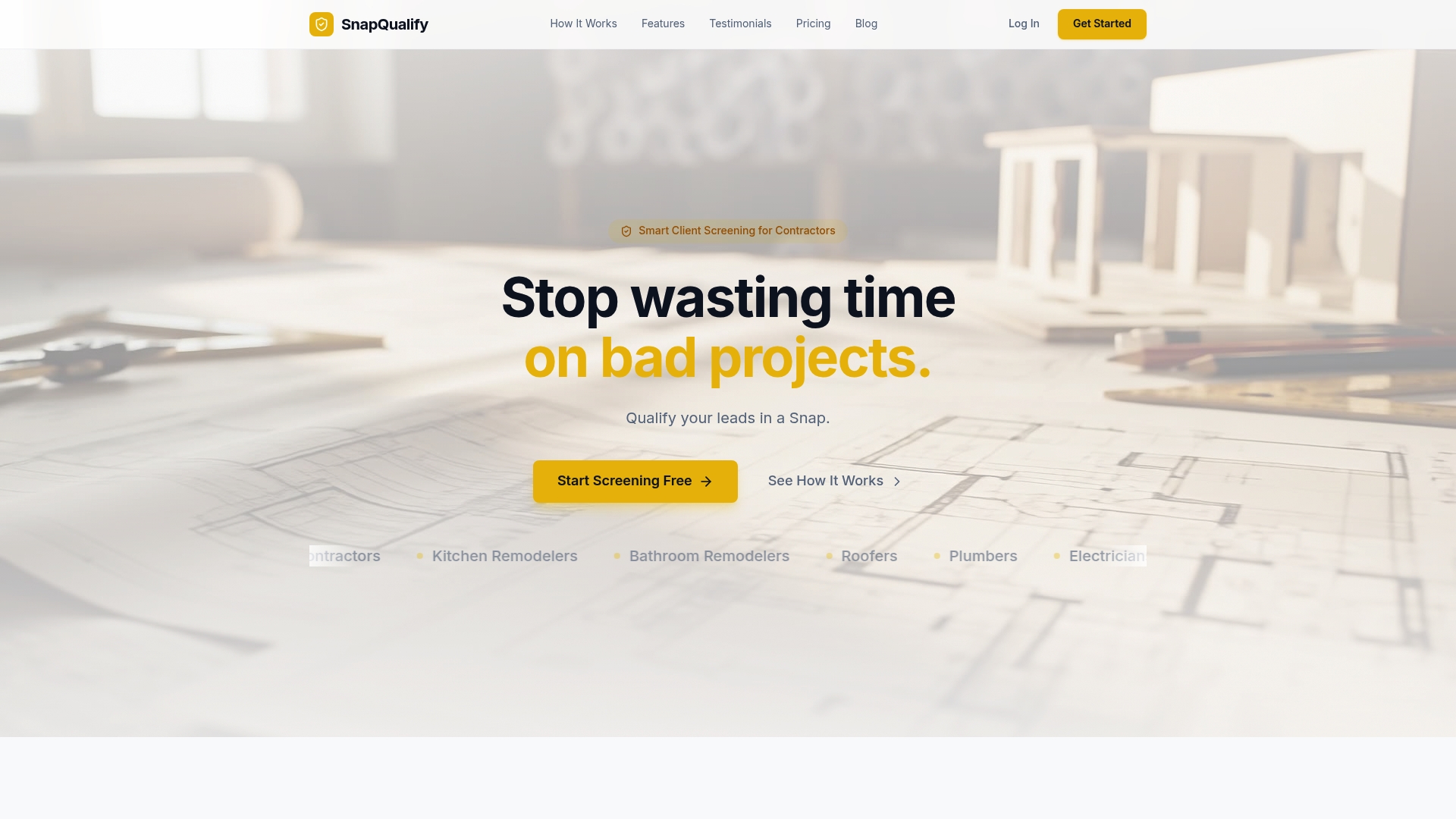
SnapQualify
At a Glance
Free for up to 5 screenings per month, then Pro at $29/month and Business at $99/month. The tool turns client intake answers into a quick risk signal before you schedule a site visit. That signal helps you stop chasing low-value leads and focus on clients who match your scope and budget.
Core Features
SnapQualify runs Intelligent Risk Analysis that combines AI with contractor heuristics to score responses. It delivers branded intake forms that adapt to project specifics and prompt clients about scope, budget, and experience. The platform returns a color-coded SnapScore and a detailed breakdown of response concerns so you can set expectations early.
Key Differentiator
The product uses AI combined with contractor insights to analyze real-time client responses and flag potential project risks efficiently. That mix of machine analysis and trade-focused rules produces flags that align with on-the-job experience. For contractors this means risk flags map to practical outcomes like likely scope creep or payment uncertainty.
Pros
The system speeds client qualification from days to minutes by automating intake and analysis. Branded forms improve your first impression and standardize how you ask about budget and timelines. Objective scoring and detailed concern breakdowns help you decide whether to quote, request a deposit, or decline without wasting labor or travel time.
Cons
- May sometimes flag benign client responses as risk, leading to over-cautious filtering
Who It's For
Independent trade contractors and small trade businesses that take residential or commercial jobs will get the most value. Roofers, plumbers, electricians, HVAC techs, painters, landscapers, and general contractors benefit from faster pre-quote screening. Teams that want fewer surprise costs and clearer client conversations will find the intake flow useful.
Unique Value Proposition
Color-coded SnapScores surface client reliability at a glance while the intake form captures budget and timeline expectations. That immediate signal reduces needless site visits and cuts the number of quotes you write for high-risk prospects. Over time the form library and clear breakdowns help you protect margins and avoid late payments.
Real World Use Case
A roofing contractor sends a branded intake form link after a phone inquiry and reviews the SnapScore before booking a visit. Low scores trigger a short follow-up question set or a request for a deposit. High scores move straight to scheduling and milestone payments with clearer scope notes.
Pricing
Free plan covers up to 5 screenings per month for testing the intake flow. Pro costs $29/month for heavier use and added features. Business runs $99/month for larger teams and expanded usage.
Website: https://snapqualify.com
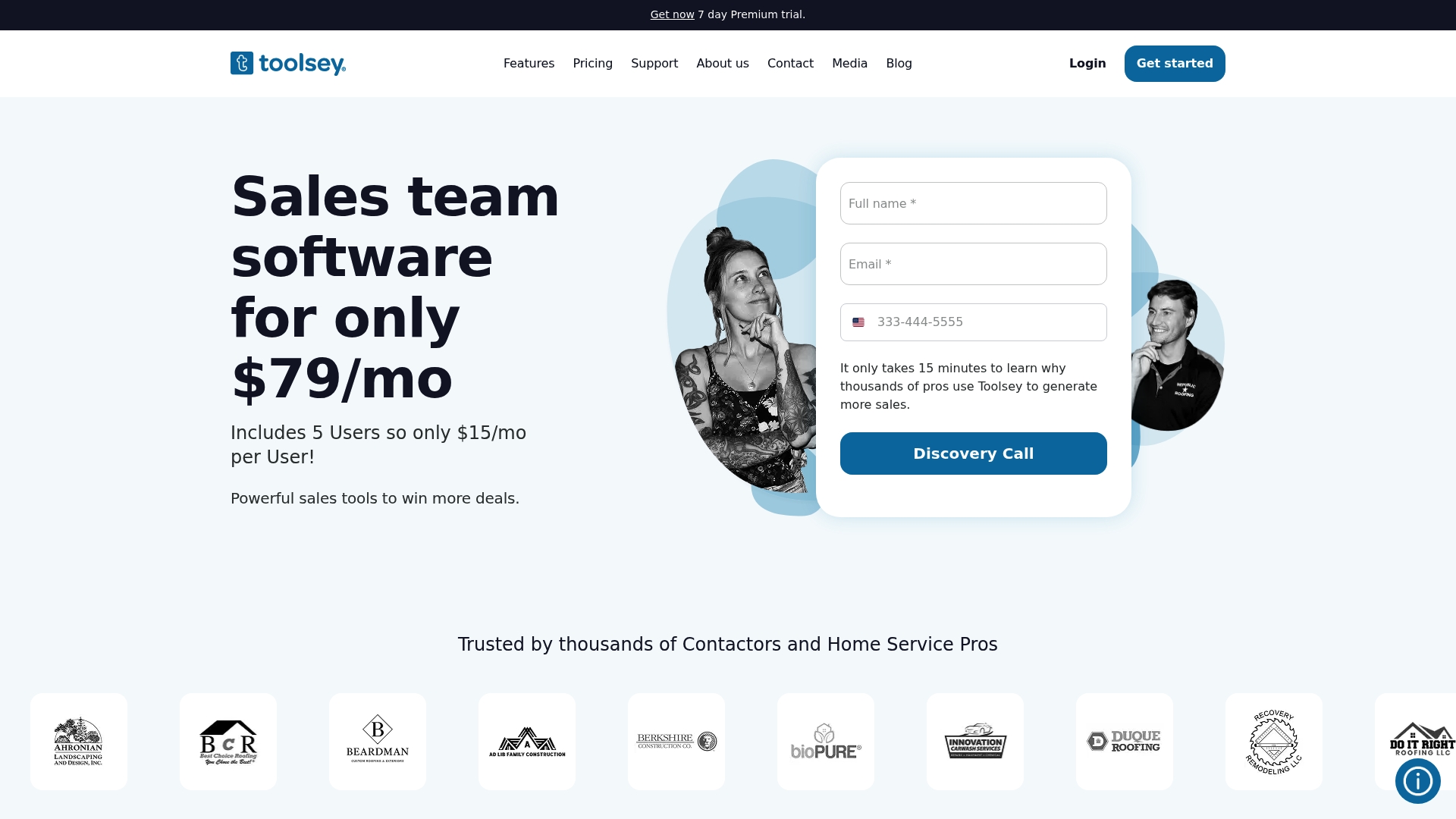
Toolsey
At a Glance
Toolsey ships with industry specific AI tools plus direct connections to HomeAdvisor, Salesforce, QuickBooks, and website builders. That mix lets home service teams capture leads from many sources and respond quickly with branded messages. The platform targets faster response times and clearer lead routing for field crews.
Core Features
Toolsey centralizes lead aggregation into a single dashboard and pushes real time notifications by email and SMS, so your team sees new requests immediately. It automates responses and follow-ups, links calendar entries to job assignments, and stores photos and documents tied to each lead and job site. The platform also offers visual lead mapping, customizable funnel tracking, inspection reports with templates, digital contract forms, two way texting, and sales dashboards for team performance.
Key Differentiator
Toolsey combines industry specific AI tools with an unusually broad set of integrations tailored to home service providers. That pairing helps you route leads by location and profile, apply branded automated replies, and feed qualified leads into accounting or CRM systems you already use. For contractors who need both automation and ecosystem connectivity, that focus stands out.
Pros
Toolsey consolidates lead sources and automates the early sales steps so your office spends less time chasing unqualified prospects. The mobile app supports field teams for photo capture and job site documentation, and the scheduling integration reduces missed appointments. Integrations with common service marketplaces and accounting tools make it easier to pass leads into your existing workflow.
Cons
-
Pricing rises quickly as you add users beyond the basic plan, which inflates per seat costs.
-
Third party reviews give limited detail about customer support response time, so support experience is unclear.
-
Some contractors report the automation setup has a learning curve before it runs reliably.
When It May Not Fit
Toolsey is designed mainly for small to mid sized home service businesses. If you run a large enterprise with complex back office systems, Toolsey may not scale to your needs. Also, businesses outside the home service sector will find fewer industry specific features.
Notable Integrations
- HomeAdvisor
- Salesforce
- QuickBooks
- Zapier
- GoDaddy
- Squarespace
- Porch
- Hatch
Who It's For
You run a small to medium sized roofing, plumbing, HVAC, or landscaping business and need faster lead response and clearer assignment rules. You have a small sales team or a mix of office and field staff who need a single view of leads and jobs. You also want the option to push data into common CRMs and accounting tools.
Real World Use Case
A roofing company captures website leads into Toolsey and sends an instant SMS reply. The platform assigns the lead to the closest sales rep, attaches roof inspection photos collected on site, and tracks the lead through the sales funnel. That workflow reduces manual handoffs and shortens the time from lead to estimate.
Pricing
See available plans at https://toolsey.com/pricing. The vendor lists flexible plans and no long term contracts on its site.
Website: https://toolsey.com
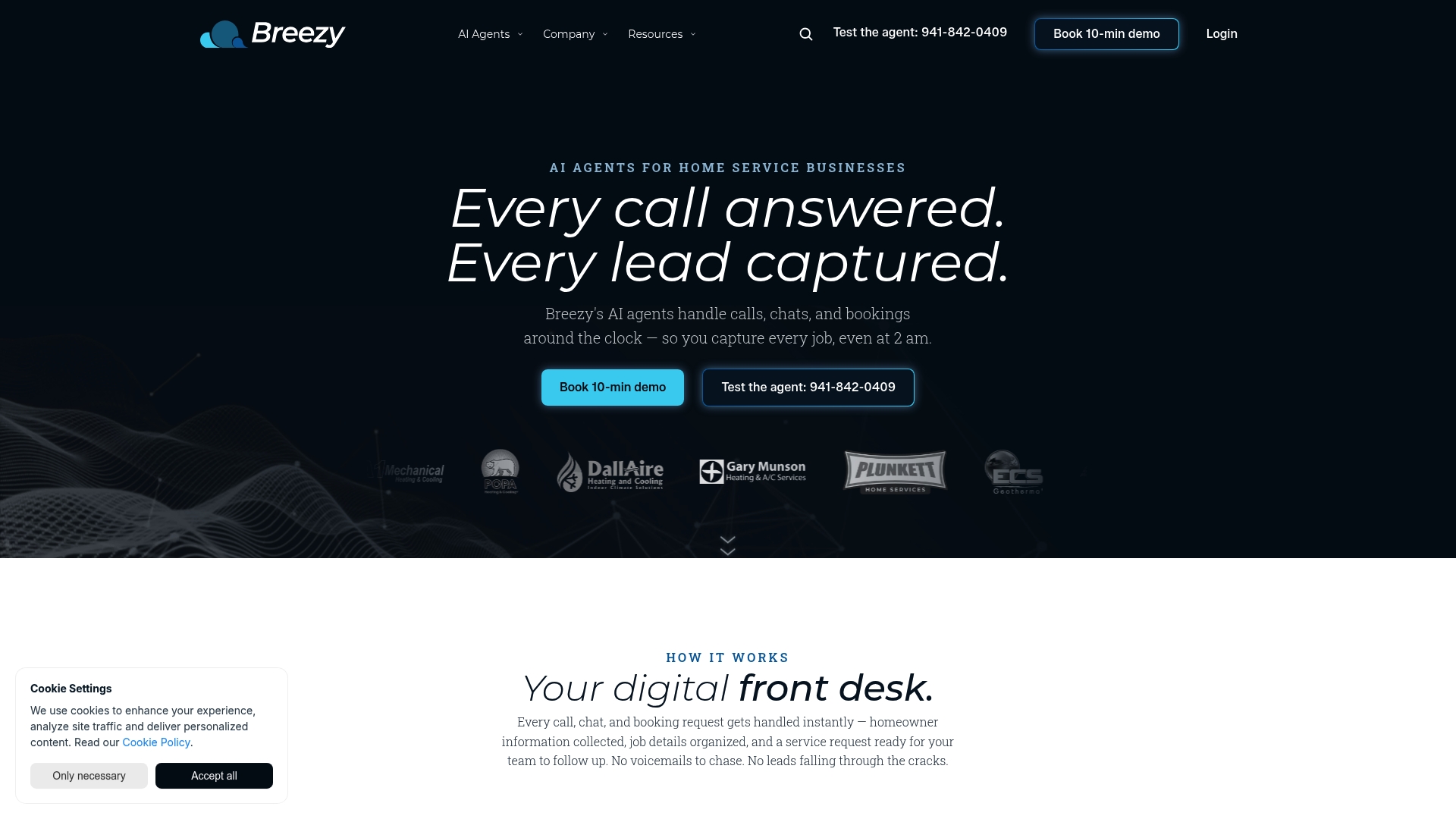
Breezy
At a Glance
The vendor reports a 25–30% increase in booked jobs when a residential HVAC company uses Breezy for after-hours call handling. Breezy pairs AI-powered call answering with website chat and online booking to capture leads outside business hours. The platform targets residential HVAC, plumbing, and electrical services, and it promises fast setup and demo options for new customers.
Core Features
Breezy provides AI-powered call answering for after-hours and busy periods, plus website lead capture through chat and forms that hand off requests to your dispatch queue. The platform collects online booking requests and funnels them into existing CRM and scheduling systems. Dashboards surface revenue and operational insights so you can track which lead sources convert.
Key Differentiator
Breezy focuses only on residential HVAC, plumbing, and electrical service firms, and it uses AI agents to keep lead capture running 24/7. That narrow focus means workflows and messaging templates align with typical service calls and appointment booking expectations for homeowners.
Pros
Automating after-hours calls and instant website engagement reduces missed opportunities, and the automation hands off warm leads to your existing scheduling tools. Specialized messaging for residential service calls helps keep interactions concise and relevant, and the vendor advertises quick setup plus demo support to shorten onboarding. Integrated dashboards translate call and booking data into revenue and operational signals for your dispatch and sales teams.
Cons
- Reliance on AI and automation may not fit businesses that prefer manual handling for complex calls.
- Some users report limited options to customize AI conversation flows, which can constrain brand voice.
- The platform is primarily aimed at residential work, so it may not fit large commercial contractors.
When It May Not Fit
If your business focuses on large commercial contracts, Breezy may not match your call complexity or scale needs. If you require deep, custom conversation trees for intake, the limited AI customization could slow adoption. Teams that want full manual control over every incoming call will find the automation intrusive.
Notable Integrations
Breezy integrates with common CRM systems and with scheduling and dispatch tools so leads flow into existing workflows. Vendors can map booking requests into calendars and dispatch queues without rebuilding their scheduling stack.
Who It's For
Small to medium residential HVAC, plumbing, and electrical service providers that want to reduce admin work and capture more inbound leads will find Breezy relevant. Teams with existing CRMs and scheduling tools benefit most, because Breezy plugs into those systems rather than replacing them. Businesses that need enterprise-level call management should look elsewhere.
Real World Use Case
A residential HVAC contractor uses Breezy to answer after-hours calls automatically and to respond to website inquiries with a chatbot. The reported uplift in booked jobs comes from capturing leads that would otherwise be missed, and the system schedules appointments directly into the company calendar for same-day follow up.
Pricing
Pricing is not listed publicly in the product information. Interested contractors must contact the vendor for plan details, implementation guidance, and demo pricing.
Website: https://getbreezyapp.com
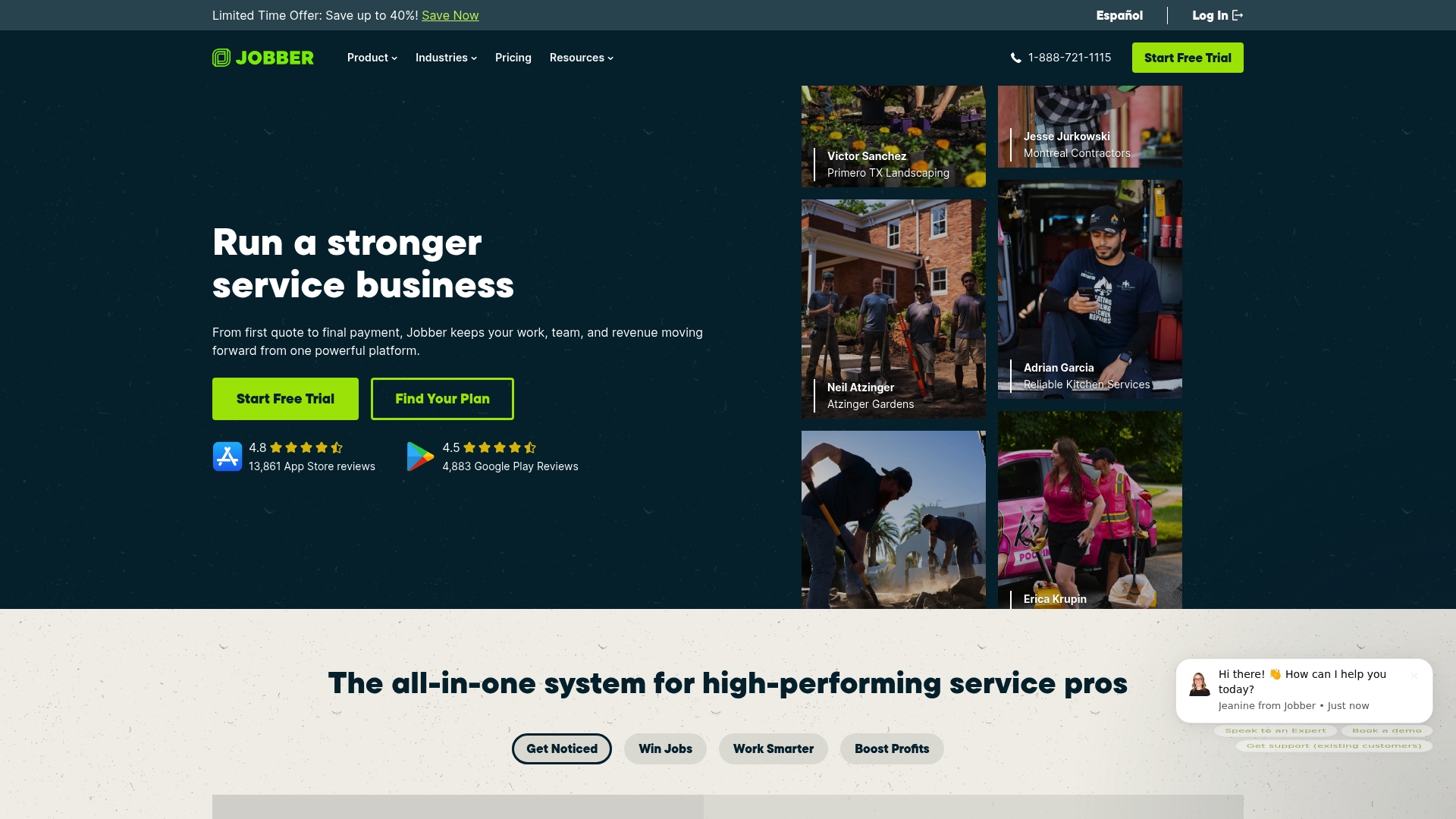
GetJobber
At a Glance
GetJobber's public site currently shows Cloudflare verification and troubleshooting content rather than detailed feature pages. That makes it hard to confirm product specifics from the landing site alone. The presence of troubleshooting content suggests occasional access or security checks that visitors may encounter.
Core Features
GetJobber centers on customer relationship management, scheduling and appointment management, and invoicing and payments for service businesses. The platform also lists team and task management plus client communication tools to keep crews and clients aligned. Those combined features aim to cover daily operations from booking through billing.
Key Differentiator
GetJobber targets service businesses specifically by grouping scheduling, CRM, and invoicing in one place. That alignment means a single workflow for field teams and office staff instead of stitching several point tools together. For contractors who need a single system to handle bookings, client records, and payments, this focus can reduce manual handoffs.
Pros
The product emphasizes features built for service trades, which reduces setup work for common tasks like repeat bookings and recurring invoices. Cloud access means your office and crews can see the same schedule and client notes in real time. The vendor highlights integrations with common payment and communication providers and reports strong customer support, which helps teams adopt the system faster and get help when issues arise.
Cons
- Limited public detail on advanced analytics or deep customization makes it hard to assess fit for complex operations. This can slow procurement for teams that need bespoke reports.
- The site shows Cloudflare verification troubleshooting, which may cause confusion or access friction for new users. That indicates potential setup or security hurdles.
- Pricing information is not visible on the site content captured here, so budget planning requires contacting sales or requesting a quote.
When It May Not Fit
If you require extensive custom reporting or advanced workflow automation, GetJobber may fall short given the limited public detail on customization. Large enterprises with formal security audit needs should verify access and verification flows before committing. Teams that must evaluate price tiers quickly will need to speak with sales because pricing is not publicly listed.
Who It's For
GetJobber suits small to medium service business owners and managers who handle bookings, crews, and billing in-house. If you run a trades crew or a home services business and want a single system for appointments, client records, and invoices, this matches typical needs. Firms that rely on heavy customization or enterprise controls should compare options carefully.
Real World Use Case
A cleaning company uses GetJobber to publish available time slots, assign technicians, and send digital invoices after each job. Office staff update job statuses and add client notes that field teams view on mobile. That workflow reduces scheduling phone calls and speeds payment collection.
Pricing
Pricing is not publicly listed on the captured site content. The page reviewed did not include specific tiers or starting prices, so you will need to request a quote or speak with sales for current plans and any volume discounts. Expect to verify payment processing fees and add-on costs during the sales conversation.
Website: https://getjobber.com
ServiceTitan
At a Glance
ServiceTitan reports 70+ pre-built integrations aimed at connecting field work to accounting and vendor systems. The platform centers on real-time dispatch, job costing, and customer management for plumbing, HVAC, electrical, and similar trades. That integration depth means fewer manual exports and less duplicate entry across back-office systems.
Core Features
ServiceTitan combines automated dispatching and scheduling with a CRM that tracks customer history and job notes. It includes proposals, digital signing, mobile apps for technicians, and work order and project management that tie into job costing and inventory. The platform offers APIs for custom data syncs and Titan Intelligence for AI-assisted insights and reporting.
Key Differentiator
ServiceTitan focuses on trade-specific workflows with prebuilt connectors to industry vendors and accounting systems. That specialization reduces the need to adapt generic software to trade practices. The result is a product shaped around contractor operations rather than retrofitted for them.
Pros
ServiceTitan is highly configurable and integrates with common contractor systems. The interface supports field technicians and office staff without forcing separate tools for scheduling or accounting. The vendor supplies training and support resources to help teams through the initial setup and adoption. When configured, the platform links proposals, dispatch, and job costing so finance and field teams work from the same information.
Cons
- Premium pricing may be costly for smaller businesses. The vendor positions the product at scale so small shops may find the price point high.
- Setup requires time and training. Smaller teams without a dedicated administrator will face a longer onboarding period.
- Some users report occasional bugs or slowdowns. Those reports suggest the platform can lag under heavy load.
- Feature overload for very small operations. Firms with simple scheduling needs may pay for capabilities they will not use.
When It May Not Fit
If your business runs a handful of crews with minimal back-office needs, ServiceTitan may be more complex than necessary. Startups and very small contractors likely face high cost and implementation overhead. Teams seeking a lightweight scheduler or a simple invoicing tool should evaluate simpler products first.
Notable Integrations
- QuickBooks
- Sage
- ServiceChannel
- Viewpoint Spectrum
- Ferguson
- XOi
- Sage Intacct
Who It's For
Mid-sized to large trades contractors who need a single platform for sales, dispatch, and financial tracking will get the most from ServiceTitan. Companies that work with third-party vendors or established accounting systems benefit from the prebuilt connectors. If your operations' workflows require detailed job costing and vendor integration, this product fits that profile.
Real World Use Case
A plumbing contractor uses ServiceTitan to route calls, assign technicians, and generate digital proposals on site. Field notes feed into job costing so managers can see profitability by technician and job type. That visibility helps the company increase revenue per technician while reducing billing errors.
Pricing
The product listing states pricing as Not applicable — informational only. ServiceTitan typically uses custom pricing that varies by company size, feature set, and integrations required. Prospective buyers should request a vendor quote to see package details and implementation costs.
Website: https://servicetitan.com
Comparison of alternatives
For contractors focusing heavily on client scope and early lead qualification, SnapQualify demonstrates a clear advantage in efficiency and clarity. However, other providers bring notable strengths in operational breadth and specialized features, defining clear choices for various professional needs.
Fast intake and qualification
SnapQualify specializes in swift client screening by combining AI-driven heuristics with branded intake forms. This integration ensures alignment between client expectations and contractor expertise, saving both parties valuable time. Its SnapScore offers a tangible lead quality indicator, allowing contractors to decide promptly whether to pursue a project.
By contrast, Breezy offers effective automation for off-hour inquiries, focusing on lead capture efficiency for residential service firms. Its AI-powered systems reduce missed opportunities but may lack the customization required for complex intake processes.
Integration breadth and workflow execution
ServiceTitan excels in workflow integrations tailored to large-scale service operations. With dispatch, job costing utilities, and vendor-specific connectors, it simplifies back-office duties and enables unified data management across departments. Toolsey similarly supports extensive integration capabilities but focuses primarily on routing leads for small- to mid-sized businesses.
SnapQualify takes the lead in specialized intake workflows, prioritizing simplicity for contractors aiming to minimize setup and streamline quoting procedures rather than implement complex operational architectures.
Best fit
- Independent contractors or small trade businesses seeking fast intake and clarity in scope and budget expectations find SnapQualify indispensable.
- Service providers zoned on advanced lead routing and integration into established CRM systems may prefer Toolsey.
- Residential service businesses aiming to maximize lead capture during off-business hours will benefit from Breezy.
- Mid-sized contractors prioritizing vendor and inventory management interlocked with scheduling should explore ServiceTitan.
Our pick
SnapQualify provides superior precision in client intake for small contractors focused on avoiding low-value leads and increasing front-end clarity. For businesses requiring expansive integrations or after-hour coverage, other solutions might offer fitting alternatives.
Here is a comparison to aid users in selecting the optimal lead qualification software based on distinct features and characteristics.
| Product | Key Feature | Best For | Pricing | Limitation |
|---|---|---|---|---|
| Snapqualify | AI-enhanced risk scoring and customizable forms | Independent trade contractors | Free for 5 screenings, then $29/month | Potential for overly cautious client filtering |
| Toolsey | Lead aggregation with streamlined CRM integrations | Small to mid-sized service businesses | Flexible plans, contact vendor | Setup learning curve for automation |
| Breezy | AI-assisted after-hours call answering | Residential HVAC and service firms | Price not published | Limited AI customization options |
| GetJobber | Simplified booking and payment workflows | Small-scale service providers | Quote upon request | Limited detail on advanced customization |
| ServiceTitan | Integrated dispatching and financial tracking | Medium to large trade contractors | Custom pricing, contact vendor | High price point and complex setup for startups |
How Can You Avoid Risky Leads and Protect Your Margins?
If you are searching for demand-iq.com alternatives to better screen your clients, Snapqualify helps you stop chasing projects that drain your time and budget. The platform uses AI-driven intake forms to score potential jobs with a clear SnapScore. That early insight lets you separate clients who fit your scope and payment terms from those likely to cause scope creep or late payments.
Snapqualify’s branded forms capture budget, timelines, and project details so you can set expectations before you visit a site. Contractors like roofers, plumbers, and HVAC techs save hours by qualifying leads faster and focusing on profitable jobs. Learn more about how Snapqualify protects your business and improves client conversations by visiting Snapqualify.
See how Snapqualify can reduce your quoting effort and increase certainty on every project. Visit Snapqualify to get started with client risk analysis today.
FAQ
How does SnapQualify help with client qualification?
SnapQualify speeds client qualification by automating intake and analysis, turning client answers into risk signals before scheduling site visits. It offers Intelligent Risk Analysis that combines AI with contractor heuristics to score responses, helping you focus on clients that fit your scope and budget. Start using SnapQualify to efficiently filter promising leads.
What is the difference between Toolsey and SnapQualify?
Toolsey specializes in lead aggregation and real-time notifications which benefits teams needing quick lead responses from various sources. SnapQualify, on the other hand, excels in risk analysis using contractor insights to flag potential project risks, making it ideal for contractors needing upfront assessment details. Consider your specific lead management needs when choosing between them.
Can I use SnapQualify if I’m a roof contractor?
Yes, SnapQualify is designed for independent trade contractors, including roofers. It provides branded intake forms that adapt to project specifics, helping you manage expectations right from the initial client interaction. By using SnapQualify, you can streamline your lead qualification process specific to roofing projects.
Which platform has a free option for lead qualification?
SnapQualify offers a free plan covering up to 5 screenings per month, allowing contractors to test its features without any cost. This is a good way to explore its capabilities and see if it meets your lead qualification needs before opting for a paid plan.
How does SnapQualify ensure objective scoring for leads?
SnapQualify delivers objective scoring with its color-coded SnapScore, providing a detailed breakdown of concerns from client responses. This feature helps you make informed decisions about whether to quote, request a deposit, or decline without wasting time or resources. Focus on leads that are more likely to convert with this insights-driven approach.