

Screening prospective clients for budget, scope, and fit often drags out with repeated calls, fragmented intake tools, and slow follow-up across home service and contracting teams. Most lead qualification software either restrict automation to expensive enterprise tiers or charge per user, leaving small crews stuck choosing between manual work or rising subscription costs. This comparison covers pricing, automation features, user limits, and integrations across five lead qualification platforms so you can pick the one that aligns with your growth plans and workflow needs without overspending.
Table of Contents
SnapQualify
At a Glance
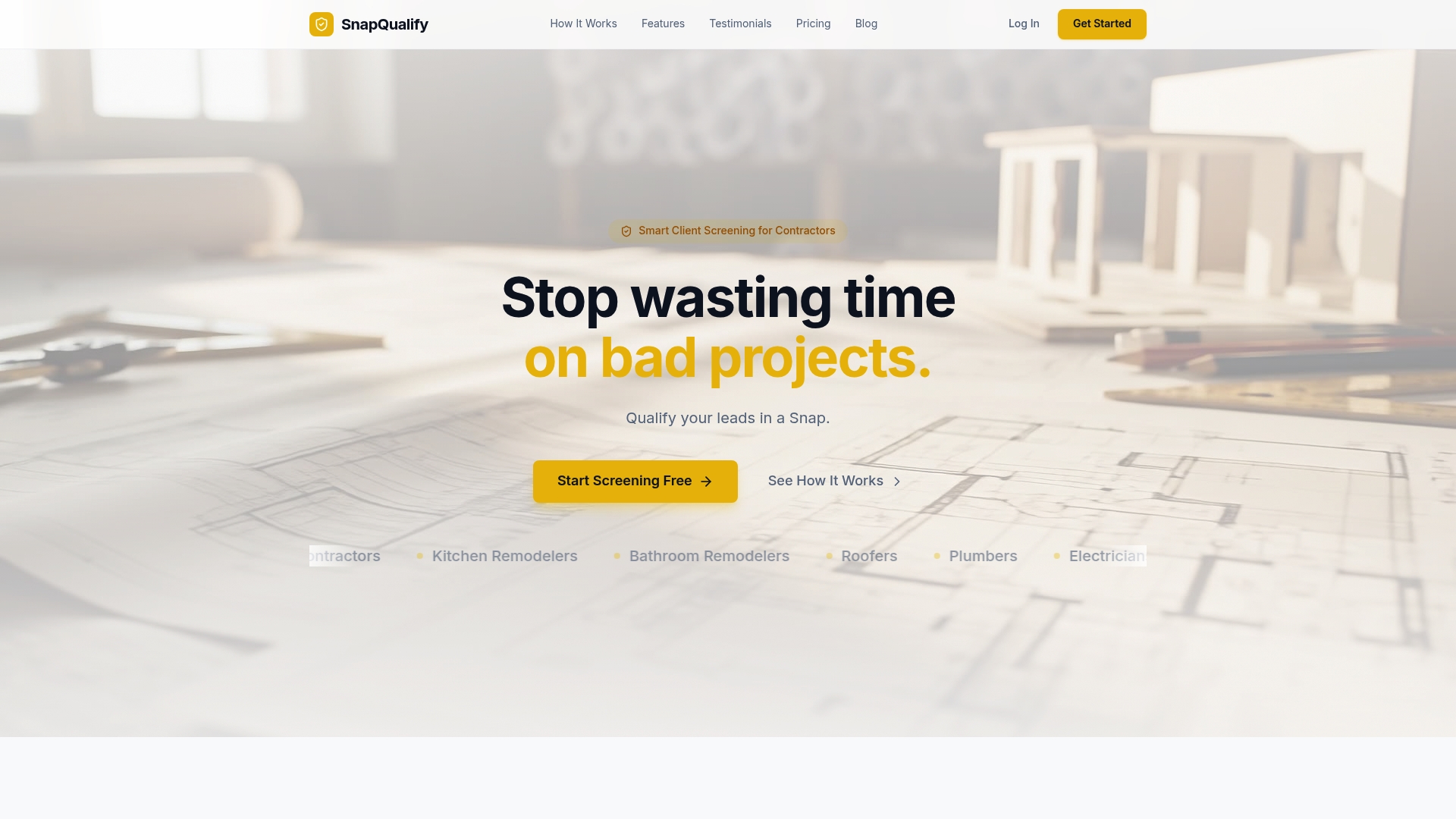
Free for up to 5 screenings per month, then $29/month for unlimited individual screenings or $99/month for teams. The vendor advertises a screening process completed within minutes rather than days, using a branded intake form that returns a color-coded SnapScore.
Core Features
- Intelligent risk analysis that reads client answers and flags potential scope or payment issues.
- Smart intake forms that adapt questions to project type and budget to collect targeted details quickly.
- Color-coded SnapScores (green, yellow, red) that summarise client fit before you commit time onsite.
- Early expectation setting for budget, scope, and timeline to reduce disputes later.
- Fast screening workflow designed to replace days of back-and-forth with minutes of client input.
Key Differentiator
SnapQualify's strength is its focus on analyzing free-text and structured responses with AI-powered analysis to surface risk markers before quoting. That analysis is trained to highlight scope creep signals, budget mismatch, and timing problems so you can triage leads without a site visit.
Pros
- Speeds up client qualification from prolonged back-and-forth to a single intake link, saving wasted site visits and drive time for trade crews.
- Provides clear, data-driven signals so you can decline or prioritize leads with evidence rather than gut feel.
- Customizable branded intake forms improve client perception and reduce amateur-looking estimate requests.
- Helps reduce scope creep and payment disputes by capturing budget and timeline expectations up front.
- Offers a free trial without a credit card so you can test what the SnapScore looks like on real leads.
Cons
- Relies on clients filling out the intake form; if a prospect refuses to engage, the tool has limited power to qualify that lead.
Who It's For
Independent trade contractors and small trade firms who want to avoid bad projects and save travel time. Roofers, plumbers, electricians, HVAC techs, painters, landscapers, and small general contractors who quote frequently will find the intake-first approach useful.
Unique Value Proposition
Color-coded SnapScores delivered from a branded intake link let you get a quick go/no-go signal before investing labor and materials. That snap decision point changes how you bid and schedule: fewer surprise-job quotes and more time spent on clients who can actually pay.
Real World Use Case
A roofing contractor sends a SnapQualify link with every phone lead. Responses produce a SnapScore that filters out low-budget or high-risk jobs. The crew books fewer unnecessary estimates and the estimator spends more time on profitable bids.
Pricing
Free for up to 5 screenings per month. Pro plan: $29/month for unlimited screenings. Business plan: $99/month aimed at small teams and firms.
Website: https://snapqualify.com
FormVue
At a Glance
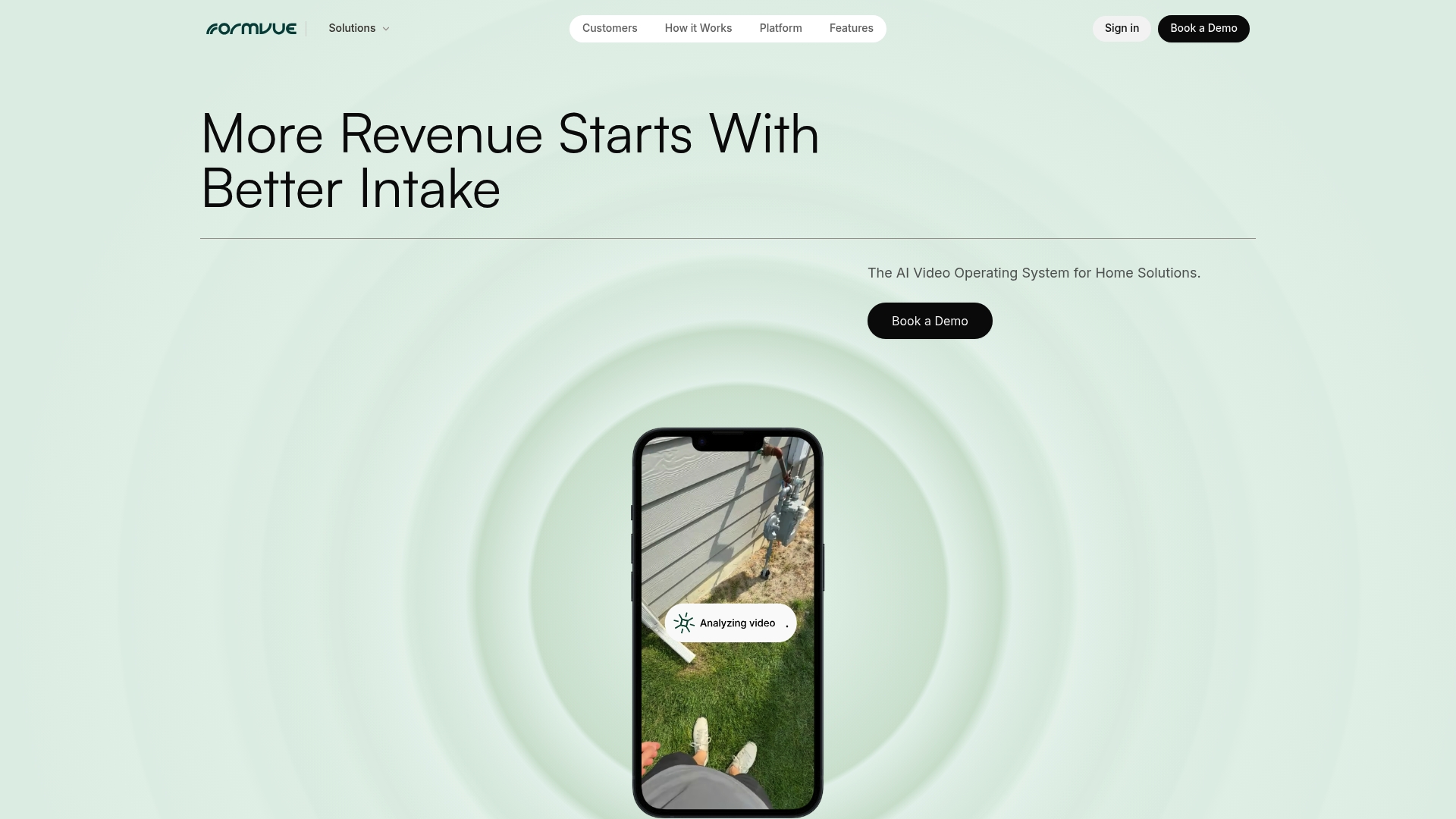
The vendor advertises integrations with over 140 enterprise apps, a clear signal this product targets multi-location operations and franchise systems. According to the company, a national concrete franchise reduced lead response time to under five minutes and lifted close rates from 39% to 72%.
Core Features
- AI-powered video intake that captures short customer videos and extracts contextual signals for qualification.
- Automated lead scoring and routing to prioritize high-probability jobs and push them to the right reps or territories.
- Personalized customer experience pages that present tailored questions and product configurators.
- Visual orchestration layer for configuring multi-agent AI workflows without coding.
- Integration support across a broad CRM and field ops stack.
Key Differentiator
FormVue centers on an AI-powered orchestration layer that coordinates multiple AI agents to handle intake, scoring, and routing together. That approach treats intake as an automated workflow rather than a single form, which matters when you need different AI behaviors across territories or product lines.
Pros
- Enables remote qualification and virtual expansion, reducing the number of site visits your crews must make and letting you redeploy labor to confirmed jobs.
- Enterprise-grade security and a long integrations list mean it can attach to existing CRMs and dispatch systems without rebuilding workflows.
- The orchestration model provides AI-driven insights so marketing and sales can see which offer variants perform best by territory.
- Visual configuration lowers the barrier for marketing or ops teams to iterate on intake flows without full engineering sprints.
Cons
- Limited independent third-party reviews are publicly available, so real owner sentiment and long-term support impressions are hard to verify.
- The platform may require technical setup for complex integrations and orchestration, which increases initial implementation effort.
- Teams without a dedicated ops or integrations person will face a learning curve when tuning multi-agent workflows.
When It May Not Fit
If you are a solo contractor or a small team with no integration needs, FormVue is likely oversized and adds unnecessary complexity. If your priority is a plug-and-play form with no vendor onboarding, this product will feel heavyweight.
Notable Integrations
- Salesforce
- ServiceTitan
- Jobber
- Housecall Pro
- FieldPulse
- Buildertrend
- Houzz PRO
Who It's For
Large trades, franchise networks, and enterprise home-service providers that need to automate lead qualification across territories and scale standardized intake. Best for organizations that already use an enterprise CRM or dispatch platform and can allocate implementation resources.
Real World Use Case
The example above describes a national concrete and driveway franchise that standardized intake across locations. That deployment reportedly cut response time below five minutes and doubled or better the close rate for configured product sales, letting franchises expand service areas without adding crews.
Pricing
Pricing is listed as informational only by the vendor. Expect enterprise licensing and custom quotes based on integrations, territories, and orchestration complexity; contact FormVue for a tailored estimate.
Website: https://formvue.com
Toolsey
At a Glance
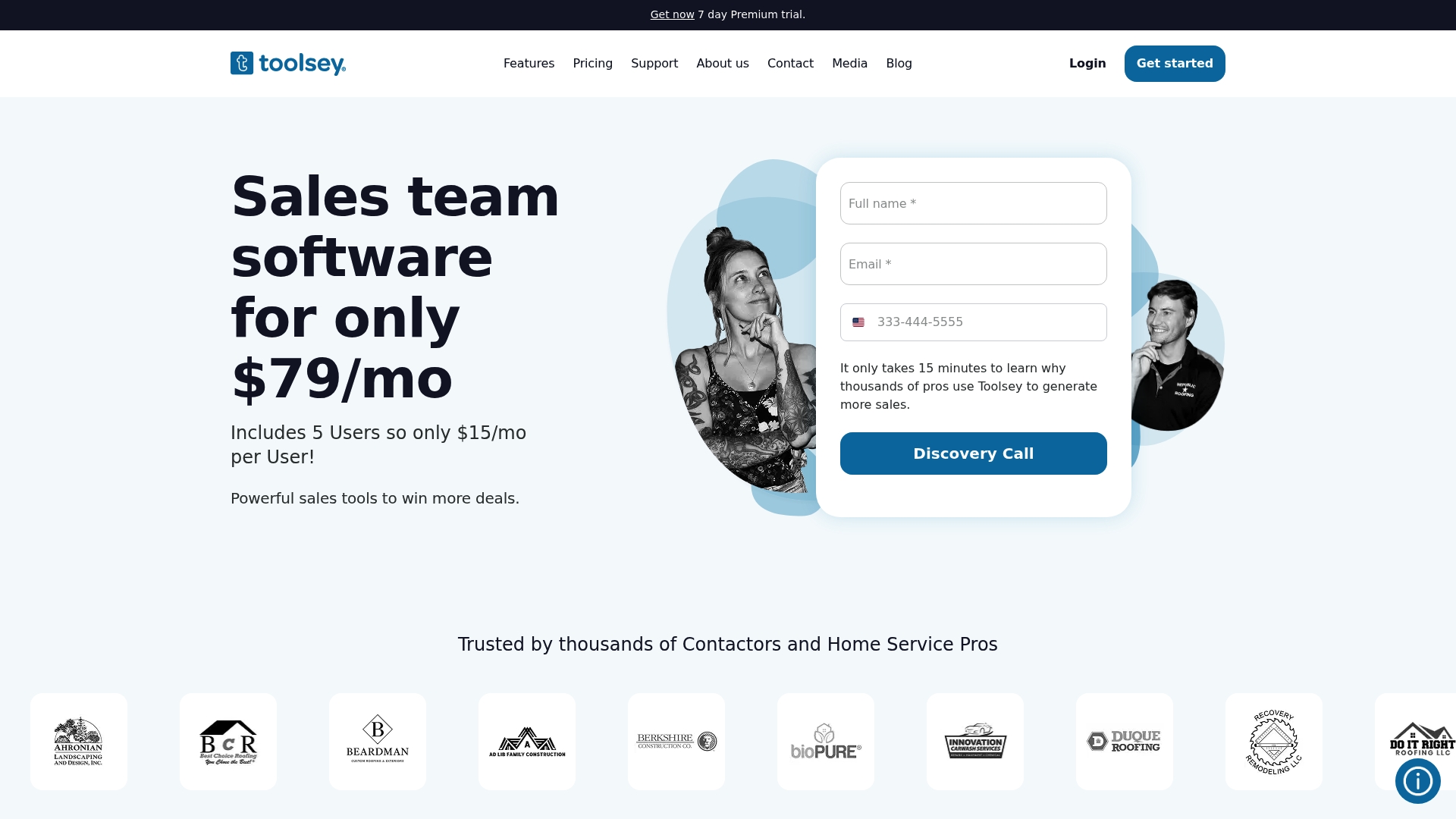
$79 per month starts Toolsey's paid plan and covers five users, with a free tier available and no long term contracts. The platform combines lead aggregation, automation, and analytics aimed at home service teams that need faster follow up.
Core Features
- Lead aggregation from websites, social, and marketplaces into a single dashboard for quick triage.
- Instant lead notifications via email and SMS so responses happen within minutes rather than hours.
- Smart lead assignment that routes leads by rules such as territory, crew availability, or skill set.
- Comprehensive funnel tracking that shows where prospects stall and which sources convert best.
- Map visualization of leads to plan routes and assign the nearest crew.
Key Differentiator
Toolsey focuses its automation and integrations on home service workflows rather than general sales teams. That emphasis means built in mappings for platforms contractors already use and automation templates that reflect common trade scenarios like location based dispatch and rapid SMS follow up.
Pros
- Useful competitor and keyword research tools help smaller contractors find niches and craft better listings, which is a rare add on for lead tools.
- Automations reduce manual triage and routing, so crews spend more time on jobs and less on admin.
- The mobile app and web interface are straightforward, which matters when crew members must act from a job site.
- Zapier and marketplace connectors let you push leads into accounting or CRM systems without custom code.
- Pricing starts lower than many dedicated CRMs, and the absence of long term contracts makes trialing lower risk.
Cons
- Brand confusion with an unrelated UK power tool retailer can complicate discovery and support interactions for new users.
- Occasional bugs and feature gaps show up, especially on the free tier, which can interrupt a fast moving sales process.
- Being relatively new means fewer long term case studies and less historical uptime data for risk averse buyers.
When It May Not Fit
If you need decades of vendor track record or conservative procurement evidence, Toolsey's newer market presence may feel thin. Teams that require enterprise grade guarantees or complex custom integrations may find the platform less suitable until it matures.
Notable Integrations
Toolsey connects to Google Calendar, HomeAdvisor, Zapier, Salesforce, QuickBooks, Hatch, AccuLynx, and Porch. Those integrations support scheduling, lead import, accounting sync, and specialist trade workflows without building custom bridges.
Who It's For
Home service contractors and small general contractors who capture leads from multiple online sources and want automated routing, quick SMS responses, and basic analytics. Ideal for roofing, plumbing, landscaping, and similar trades with mobile crews and regional territories.
Real World Use Case
A roofing company uses Toolsey to pull leads from its site, Facebook, and Porch, then auto assign by zip code. SMS notifications trigger instant callbacks, the sales funnel is tracked in platform reports, and inspection scheduling syncs to Google Calendar.
Pricing
Starting at $79/mo for five users, with a free tier available and no long term contracts. The pricing target is small teams who need core automation without an enterprise commitment.
Website: https://toolsey.com
ContractorFlow
At a Glance
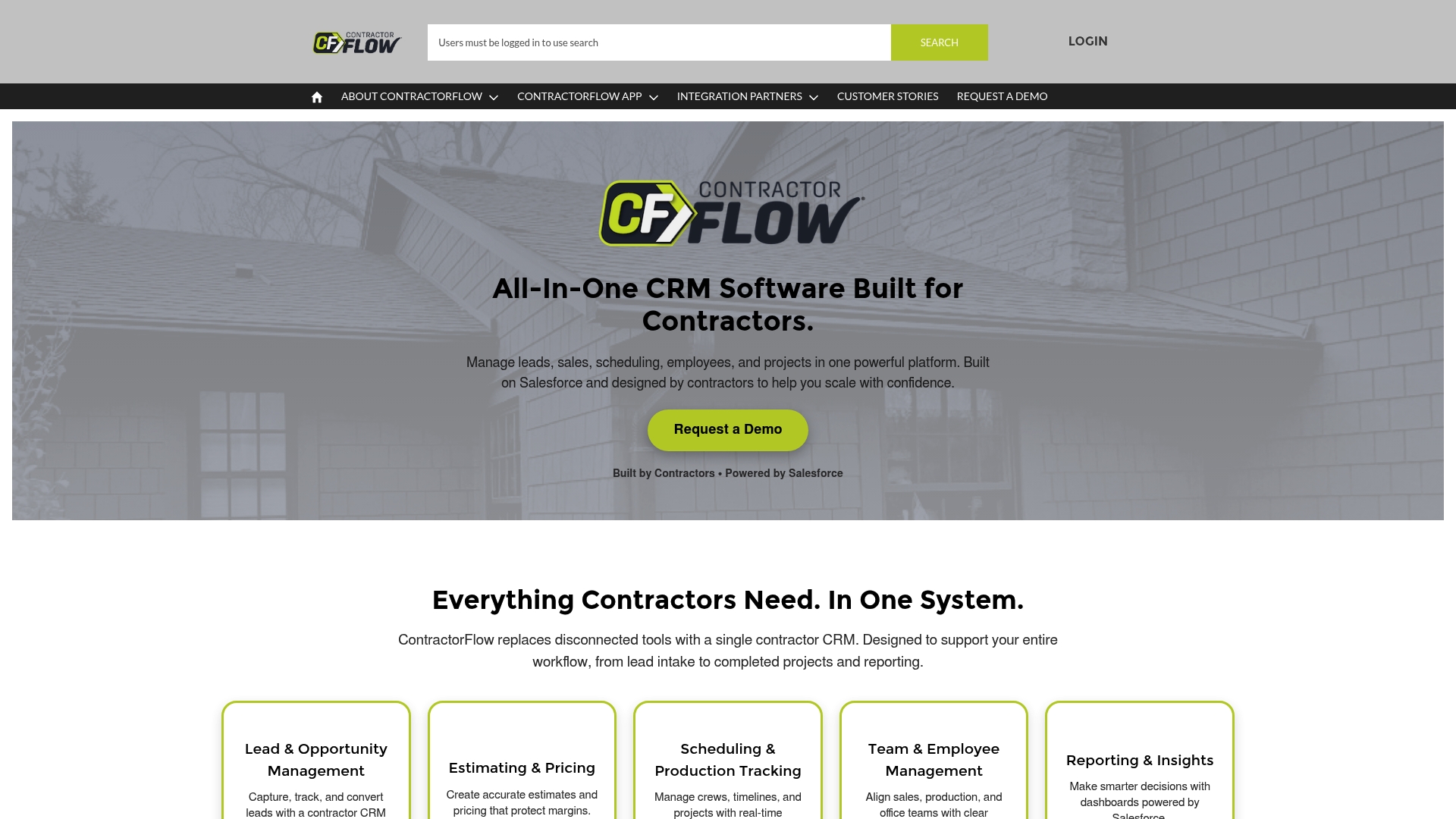
Built on Salesforce to give contractor teams enterprise-grade data and workflows while still targeting field crews and office staff. The platform is early stage, with limited public reviews, but vendors and early adopters highlight fast support and a unified operations view.
Core Features
Lead and opportunity capture that tracks contact history, estimate status, and follow ups in one pipeline.
Estimating & Pricing tools let you produce line-item proposals and protect margins through preset markup rules.
Scheduling & Production Tracking handles crew assignment, job timelines, and status updates from the field.
Team management and dashboards surface KPIs so office staff see revenue, backlog, and crew capacity in real time.
Key Differentiator
ContractorFlow’s main angle is its contractor focus built atop Salesforce. That pairing promises scalability most contractor CRMs do not offer, and it makes integrations and custom objects easier for companies that will grow into more complex processes.
Pros
- Responsive customer support. Early users report quick help and hands-on onboarding, which reduces the friction of moving from spreadsheets to a CRM.
- Centralized operations. Lead capture, estimating, scheduling, and reporting live in one place, so the office team stops toggling between disconnected apps.
- Built on Salesforce. That foundation gives a path to scale custom workflows and enterprise reporting if your business grows beyond basic needs.
- Industry tool connections. The vendor lists integrations with tools contractors already use, which shortens setup time and preserves existing data flows.
- End-to-end workflow coverage. From first lead to production tracking, the product maps common contractor processes so fewer manual steps remain.
Cons
- Early-stage product. Public review volume is small and some features may still be in development or testing, which raises risk for buyers needing a fully baked system today.
- Limited transparent pricing. No published plans means you must request a demo or contact sales to get cost details and ROI estimates.
- Integration maturity varies. While many integrations are listed, a few may require custom configuration or partner setup during onboarding.
When It May Not Fit
If you need a mature reference base of contractors using the platform, this is not the choice. If you require instant, documented pricing or a self-serve trial, expect a sales conversation before you can evaluate costs or run pilot data.
Notable Integrations
- CompanyCam, EagleView, and QuickBooks for field photos, measurement data, and accounting sync.
- PandaDoc and Spotio for proposals and territory management.
- Hover, Get The Referral, and Salesforce CRM connections to preserve lead sources and CRM records.
Who It's For
Contractors and home service owners who want a single system to manage leads, estimates, crews, and reporting and who plan to scale reporting or custom workflows as their business grows.
Real World Use Case
A roofing contractor captures leads from an ad campaign directly into ContractorFlow, generates an itemized estimate, schedules crews, and tracks job progress in the dashboard. Office staff close gaps faster because photos and status updates come straight from the field.
Pricing
No public pricing was provided in the product data. The vendor appears to require contacting sales or requesting a demo to receive plan details and a quote.
Website: https://contractorflowapp.com
BuilderLync
At a Glance
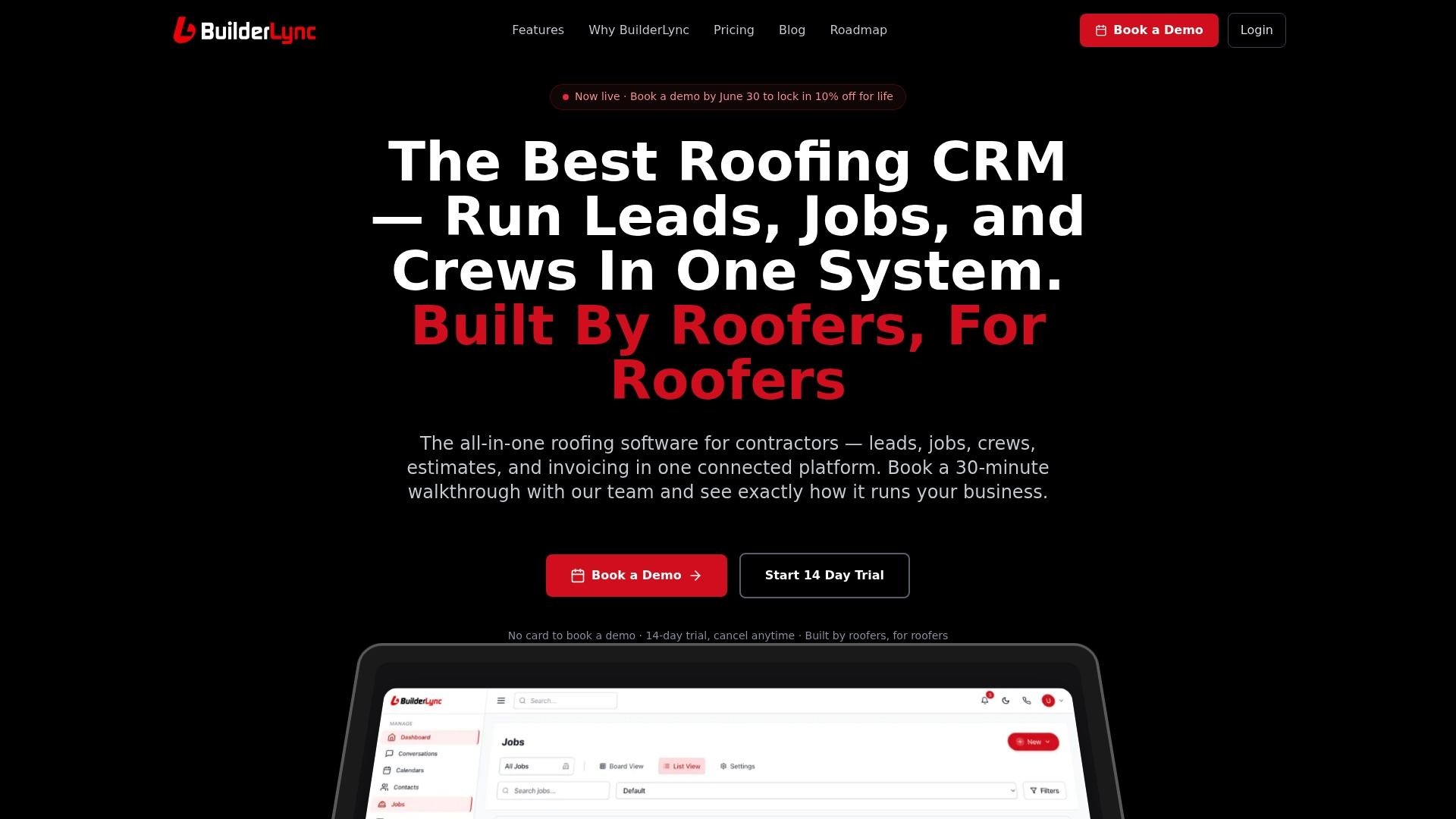
Unlimited user access on every plan removes per-seat fees that usually balloon as crews and office staff grow. BuilderLync packages AI lead follow-up, satellite measurements, proposals, scheduling, and invoicing into a single contractor-focused system.
Core Features
Unified lead management and CRM that tracks pipeline, notes, and customer history in one place. Built-in proposal creation, e-signature, and invoicing reduce app switching during sales and close workflows faster.
The platform includes Sierra AI for automated lead follow-up and qualification, satellite roof measurements via EagleView, plus job scheduling and crew management with real-time updates and dashboards.
Key Differentiator
BuilderLync combines automated lead nurturing with operational features contractors actually use each day and lets every staff member access the system without extra per-seat charges. That alignment of AI follow-up, measurement data, and unlimited users is the product’s defining angle for contracting teams.
Pros
-
Replaces multiple point tools, which can reduce subscription overhead and simplify admin work for crews and office staff.
-
Unlimited users on all plans supports growth without incremental license costs that erode margins as you hire new estimators or office staff.
-
Sierra AI handles 24/7 lead follow-up so crews spend more time on qualified appointments instead of chasing cold leads.
-
Native connections to estimating and accounting workflows reduce double entry, and real-time dashboards show leads, jobs, and revenue in one view.
-
Automation covers routine tasks like reminders and review requests, freeing an office administrator from repetitive chore work.
Cons
-
Public, third-party reviews and independent user satisfaction are limited. Most positive outcomes cited in marketing materials are vendor-reported.
-
Feature depth and automation require a period of setup and learning; smaller teams without an admin person may feel the onboarding burden.
-
Pricing sits above basic task apps. For companies that only need a simple CRM or scheduling tool, BuilderLync can feel more than necessary.
When It May Not Fit
If your operation is a solo contractor or you only need lightweight scheduling and invoicing, the platform’s scope and price may be overkill. Budget-sensitive shops that cannot allocate setup time will find the learning curve a pain point.
Teams that refuse any cloud integrations or lack basic technical familiarity may struggle to get full value from automation and third-party connections.
Notable Integrations
BuilderLync lists native links with EagleView, QuickBooks, Google Workspace, and Twilio. Those integrations let you bring measurement data into estimates, push invoices to accounting, sync calendars, and run SMS follow-up without custom connectors.
Who It's For
General contractors, roofing companies, solar installers, and mid-size remodelers that want a single platform to manage leads, jobs, crews, and billing. Also fits larger businesses looking for enterprise options with centralized user access.
Real World Use Case
The vendor reports a roofing contractor replaced several point solutions with BuilderLync and recorded a 45% reduction in software costs while saving more than 40 hours per month. That company used Sierra AI for follow-up and EagleView measurements to shorten estimating time.
Pricing
Plans start at $497 per month for Starter and $997 per month for Pro, with custom quotes for Enterprise customers. Expect the price to reflect the broad feature set and unlimited user policy rather than the low cost of basic tools.
Website: https://builderlync.com
<scratchpad> **Competitor eligibility:** - Excluded products (discontinued / inaccessible / under construction): None - Usable competitors remaining: FormVue, Toolsey, ContractorFlow, BuilderLyncIntro pre-write:
- Does snapqualify.com clearly outpace every usable competitor on a single dimension? YES
- If YES: dimension where snapqualify.com wins — Approachable and rapid lead-screening suitable for small teams
- First sentence draft: Each lead qualification platform offers specific advantages tailored to different user scenarios, but SnapQualify stands out for its efficiency and ease of accessibility, making it particularly effective for smaller trade firms.
Competitor win pre-write:
- Which competitor wins which dimension: FormVue wins integration and automation depth because its extensive CRM connectors and advanced AI orchestration provide capabilities for intricate workflows.
- Does this dimension matter to the primary reader? YES
Best Fit uniqueness check:
- List each bullet scenario in one clause: for small trade firms needing simple and quick screening processes / for franchise businesses requiring integration-heavy, automated workflows / for small contractors desiring rapid lead follow-up and territory-based notifications / for larger firms needing enterprise-grade solutions with growing organization scalability
- Can any two be swapped without changing meaning? NO
Our Pick pre-write:
- The ONE capability unique to snapqualify.com in this set: Branded, customizable intake forms with color-coded risk analysis results
- Evidence from the reviews: "Customizable branded intake forms improve client perception and reduce amateur-looking estimate requests."
- Closing sentence draft: SnapQualify is ideal for businesses preferring a simple yet effective platform for evaluating leads without relying heavily on integrations or extensive configuration.
- Substitution test: ContractorFlow or BuilderLync replaced but fails as recommendation since unique features differ drastically.
- Does the substituted version still work as a recommendation? NO
- If YES: rewritten closing sentence: Not Applicable </scratchpad>
Comparative Analysis
Each lead qualification platform reviewed addresses distinct requirements, offering variable efficiency based on user needs. By comparing these systems, potential users can better determine which solution aligns with their operational demands.
Accessibility and ease of use for small teams
SnapQualify delivers a streamlined set of features ideal for small and independent trade firms. Its simple user interface and clear grading system allow businesses to evaluate leads efficiently without excessive configuration or steep learning curves. In contrast, platforms like FormVue, while technically versatile, may overwhelm single operators due to their deep workflow orchestration configurations.
Automation and scalability features
For users prioritizing automation-integrated workflows, FormVue stands out with its extensive CRM and AI lifecycle management features, letting enterprise-scale businesses automate their lead qualification processes. Similarly, BuilderLync offers built-in scalability with unlimited user access and direct field communication, albeit with higher costs, suiting larger organizations.
Best Fit
- For small trade firms needing simple and quick screening processes without additional tools, SnapQualify is an choice due to its immediate usability and minimal configuration.
- For franchise businesses requiring integration-heavy, automated workflows, FormVue offers complexity in orchestration and routing.
- For small contractors desiring rapid lead follow-up and territory-based notifications, Toolsey provides direct communication tools and notifications.
- For larger firms needing enterprise-grade solutions with scalability, BuilderLync delivers a dynamic operating environment supported by its feature set.
Our Pick
While all reviewed systems excel in respective areas, SnapQualify represents considerable value for businesses preferring an uncomplicated yet effective method for evaluating and filtering leads efficiently. Its unique implementation of branded intake forms with color analysis makes it suitable for firms seeking targeted streamlining without over-reliance on complex integrations or high pricing tiers.
Lead Qualification Software Compared
To make an informed choice in lead qualification tools, it is essential to compare platforms by their unique offerings, targeted users, and limitations.
| Product | Core Feature | Key Differentiator | Best For | Pricing | Notable Limitation |
|---|---|---|---|---|---|
| SnapQualify | Intelligent risk analysis with SnapScores | AI analysis of free-text and structured responses | Independent trade contractors | Free for 5 uses, $29/month personal, $99/month teams | Relies on clients completing intake forms |
| FormVue | AI-powered video intake | AI orchestration layer for complex workflows | Franchise networks and corporations | Custom quotes based on needs | Requires technical setup for complex implementations |
| Toolsey | Lead aggregation and smart routing | Templates and workflows tailored to contractors | Small home service contractors | Free tier; $79/month five users | Limited third-party reviews and occasional feature gaps |
| ContractorFlow | Salesforce-based unified operations | Scalability via Salesforce foundation | Contractors planning to scale | Not disclosed | Early-stage product with limited public reviews |
| BuilderLync | End-to-end lead and job management | Unlimited users across all plans | Mid-size and larger contractors | $497/month Starter; $997/month Pro | Feature depth requires longer setup |
Find Better Lead Qualification with SnapQualify Beyond Snapquote.ai Alternatives
Selecting the right tool to qualify leads quickly and accurately is a common challenge for contractors and home service pros. This article on snapquote.ai alternatives pinpoints the need to reduce wasted site visits and avoid costly project risks before investing time and resources. SnapQualify directly addresses these pain points with AI-driven client screening and color-coded SnapScores that highlight scope mismatch, budget issues, and timing concerns before you commit.
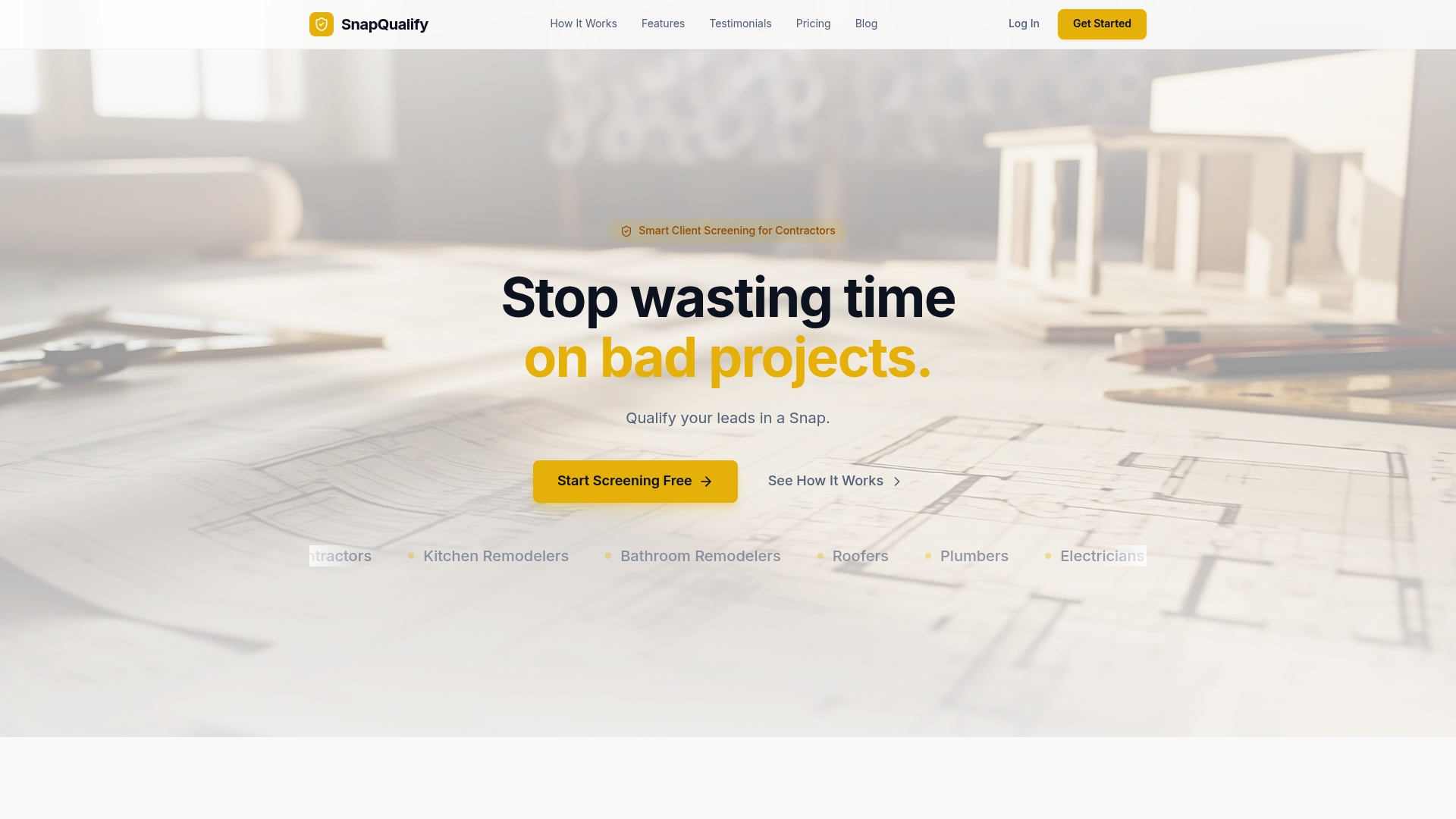
Discover how SnapQualify's branded intake forms and rapid risk analysis can save you hours and stop chasing leads unlikely to convert. Visit SnapQualify now and generate insight-driven SnapScores that help you decide in minutes if a project is right. Get started today and prioritize profitable leads with a free screening option for small teams.
Frequently Asked Questions
How does SnapQualify enhance the lead qualification process?
SnapQualify provides an intelligent risk analysis feature that flags potential scope or payment issues based on client responses. This AI-powered analysis helps to surface risk markers before quoting, enabling contractors to make quicker, informed decisions. Consider using SnapQualify to streamline your lead qualification without unnecessary site visits.
What is the difference between SnapQualify and FormVue in lead qualification?
FormVue offers an AI-powered orchestration layer that coordinates multiple AI agents for automated lead scoring and routing. While FormVue is ideal for enterprise-level operations needing complex integrations, SnapQualify's quick screening process is better for independent trade contractors looking for a straightforward solution. Choose SnapQualify when you want to prioritize efficiency and simplicity in your lead qualification.
Which platform provides quicker client onboarding: SnapQualify or Toolsey?
SnapQualify boasts a fast screening workflow that eliminates prolonged back-and-forth, enabling client onboarding in minutes. Toolsey also provides instant lead notifications and smart lead assignment but may introduce more steps depending on its lead aggregation features. Opt for SnapQualify if you seek a faster, more efficient way to onboard clients without delays.
Can I use SnapQualify if my leads don't fill out the intake form?
SnapQualify is less effective if clients refuse to engage with the intake form, as it relies on client input to qualify leads. Despite this limitation, it remains a solid choice for those leads that do respond. Make sure to encourage client engagement to maximize SnapQualify's lead qualification capabilities.
What features make SnapQualify a good fit for independent trade contractors?
SnapQualify features customizable branded intake forms that improve client perception and capture key details about budget and timeline upfront. These elements help reduce scope creep and payment disputes, making SnapQualify particularly advantageous for trade contractors. Consider SnapQualify if you want to enhance your client relationships while effectively managing quotes.