

Contractor CRM intake tools are specialized software systems that capture client data, qualify job requests, and route new leads into your operational pipeline before you spend a single hour on a site visit. The three main types are native CRM form builders, external specialized form builders, and all-in-one automation layers. Each serves a different operational scale, and picking the wrong one creates friction instead of fixing it. Tools like Jobber, Housecall Pro, and Jotform sit at different points on that spectrum, with monthly costs typically ranging from $29 to $65 for core field service management platforms. Knowing which type matches your workflow is the fastest way to stop wasting time on bad leads.
1. What are the types of CRM intake tools contractors use?
The three categories of contractor intake software map directly to business size and complexity. Native CRM form builders work inside your existing field service platform. External specialized form builders plug into your CRM from outside. All-in-one automation layers connect intake to scheduling, dispatch, and communication in a single pipeline.
One distinction worth getting clear on early: client intake tools are not the same as contractor prequalification software. Prequalification tools collect certificates of insurance, licenses, and safety logs from subcontractors and vendors. Client intake tools collect job scope, budget, and contact details from the homeowners or businesses hiring you. Mixing up these two categories wastes time and creates the wrong kind of friction.

2. Native CRM form builders: best for small to mid-size operations
Native CRM form builders are intake forms built directly into field service platforms like Jobber and Housecall Pro. They capture basic job information, auto-create job records, send confirmation messages, and cut dispatcher data entry. For contractors handling 25 to 50 jobs monthly, these tools are simple to deploy and easy for the whole team to adopt.
Key features of native form builders include:
- Auto-population of client records from form submissions
- Job type and service area selection fields
- Automated confirmation emails or SMS to new leads
- Direct scheduling triggers within the same platform
- No third-party integration required
The main limitation is conditional logic. Native forms ask the same questions to every lead, regardless of job type. A roofing inquiry and a gutter cleaning request get the same form, which means you either ask too much or too little. That works fine for straightforward residential services, but it breaks down fast when your jobs vary widely in scope or permitting requirements.
Pro Tip: If your team is fewer than five people and your job types are consistent, start with a native form builder. The best intake software eliminates dispatcher entry without creating a new maintenance burden for your team.
3. How external specialized form builders handle complex workflows
External specialized form builders like Jotform sit outside your CRM and connect to it through Zapier or native API integrations. Their core advantage is conditional logic, which means the form changes based on what a client answers. A client who selects "commercial project" sees different follow-up questions than one who selects "residential repair."
Features that make these tools worth the extra setup include:
- Branching question paths based on job type or project size
- Multi-file attachment uploads for photos, permits, or site plans
- Permit flag routing that alerts the right team member automatically
- Integration with CRMs via Zapier, Make, or direct API connections
- Custom branding to match your company's client-facing materials
The tradeoff is integration complexity. You are now managing two systems instead of one, and any change to your CRM may break the connection. Jotform's pricing is separate from your field service platform, so budget for both.
Pro Tip: When your native form builder hits its limits, add Jotform with a Zapier middleware connection before rebuilding your entire CRM stack. It is faster and far cheaper than switching platforms.
4. All-in-one automation layers for high-volume contractors
All-in-one automation layers connect your intake form directly to scheduling, crew assignment, and client communication without any dispatcher involvement. Platforms like US Tech Automations build these pipelines specifically for trade contractors. They score incoming leads by job type, route them to the right crew, and send SMS confirmations automatically.
"Automation layers are ideal for multi-crew operations managing 15 to 20 or more jobs per month, where routing flexibility and speed of response directly affect revenue."
Key capabilities of full automation layers include:
- Lead scoring based on job type, location, and budget signals
- Auto-assignment to specific crews or technicians
- Automated SMS and email sequences triggered by form submission
- Pipeline stage updates without manual dispatcher input
- Reporting dashboards showing lead source and conversion data
The risk here is automation bloat. Excessive setup complexity or a build that takes more than a day to configure often results in low team adoption and operational friction. Costs run higher than native or external form tools, but the efficiency gains at scale justify the investment when your volume supports it.
5. Comparing the three types: features, pricing, and use cases
Choosing between these three types comes down to your business size, job complexity, and whether your bottleneck is in sales or operations. Sales-focused contractors with dedicated sales teams benefit from platforms like HubSpot or Pipeline CRM. Operations-focused contractors running field crews get more value from Jobber, Housecall Pro, or ServiceTitan.
| Type | Best for | Price range | Setup complexity | Key limitation |
|---|---|---|---|---|
| Native CRM form builder | 1–10 person teams, consistent job types | $29–$65/month | Low | No conditional logic |
| External form builder (Jotform) | Mid-size teams, varied job types | Separate add-on cost | Medium | Requires integration maintenance |
| All-in-one automation layer | Multi-crew, 15+ jobs/month | Higher, varies | High | Risk of adoption failure |
Quick decision guide:
- Pick a native form builder if your jobs are consistent and your team is small
- Pick an external form builder if you need branching logic and can manage a Zapier connection
- Pick an automation layer if you run multiple crews and need hands-free dispatch routing
Avoid mixing a sales CRM with a field service platform unless you have a clear integration plan. Incompatible system combinations are one of the most common causes of contractor CRM failure.
Key takeaways
The right contractor intake software matches your job volume, team size, and whether your biggest bottleneck is qualifying leads or routing them to crews.
| Point | Details |
|---|---|
| Three core tool types | Native builders, external form builders, and automation layers each serve a different operational scale. |
| Native forms suit small teams | Jobber and Housecall Pro handle 25–50 monthly jobs without adding maintenance overhead. |
| Jotform fills the logic gap | Conditional branching and permit routing require an external builder connected via Zapier. |
| Automation layers need volume | Multi-crew operations with 15+ jobs monthly get the most value from full pipeline automation. |
| Match tool to bottleneck | Sales-heavy operations need HubSpot; field-heavy operations need an FSM platform like Jobber. |
Why I always tell contractors to start smaller than they think they need
Most contractors I talk to want to jump straight to full automation. They see a demo of a pipeline that scores leads, assigns crews, and sends confirmation texts without anyone touching a keyboard, and they want it immediately. I get it. That setup is genuinely impressive.
The problem is that automation bloat kills adoption faster than any other mistake. When a system takes more than a day to configure, your team stops trusting it. They go back to phone calls and spreadsheets, and you are left maintaining a tool nobody uses.
My honest recommendation: start with a native form builder inside whatever field service platform you already use. Get your team comfortable with digital intake first. Once the data is flowing cleanly and your crew is not bypassing the system, then add conditional logic with a tool like Jotform. Only after that should you consider a full automation layer.
The contractors who build intake forms that actually work are the ones who added complexity incrementally, not all at once. Align your tool choice to your real bottleneck. If you are losing jobs because leads go cold, fix your sales CRM. If you are losing margin because dispatching is chaotic, fix your FSM. Do not try to solve both problems with one tool at the same time.
— Colin
How Snapqualify fits into your intake process
Snapqualify is built specifically for trade contractors who need to qualify clients before committing time and resources to a project. The platform uses AI-powered intake forms to generate a color-coded SnapScore that signals client reliability and project suitability. Roofers, electricians, plumbers, HVAC technicians, and general contractors use it to screen leads before the first site visit.
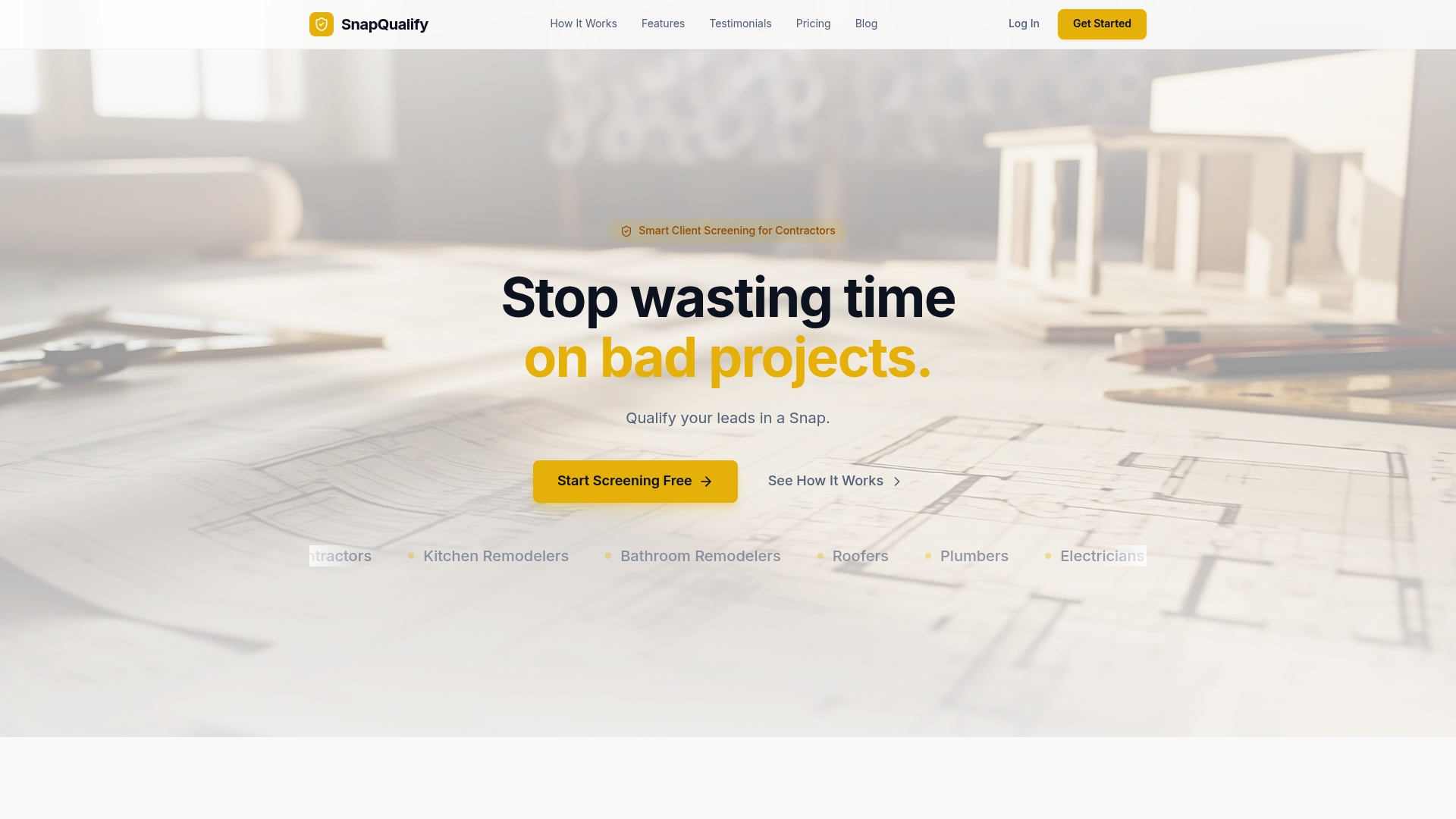
If you are already using a native CRM form builder or Jotform for data capture, Snapqualify adds a qualification layer on top. It answers the question your intake form cannot: is this client worth taking on? You can also review how Snapqualify handles your data on the security overview page. For contractors ready to stop chasing bad projects, Snapqualify is a direct next step.
FAQ
What are the main types of CRM intake tools for contractors?
The three main types are native CRM form builders, external specialized form builders like Jotform, and all-in-one automation layers. Each serves a different business size and workflow complexity.
When should a contractor use Jobber vs. Jotform for intake?
Use Jobber's native forms when your job types are consistent and your team is small. Switch to Jotform when you need branching logic or multi-file uploads that native forms cannot support.
What is the difference between client intake tools and prequalification software?
Client intake tools collect job scope and budget from homeowners hiring you. Prequalification software collects compliance documents like certificates of insurance and licenses from subcontractors.
How many jobs per month justify an all-in-one automation layer?
Automation layers deliver the most value for contractors managing 15 or more jobs monthly across multiple crews, where manual dispatch routing creates bottlenecks.
What causes CRM intake tools to fail after setup?
Excessive complexity built too quickly is the leading cause. Contractors who start simple and add automation incrementally see far higher team adoption rates than those who build full pipelines from day one.